• Industries
    • Fashion
    • Marketing
    • Graphic Designers
    • Educational Institutions
    • Privacy Protection
  • API
  • Pricing
  • Industries
    • Fashion
    • Marketing
    • Graphic Designers
    • Educational Institutions
    • Privacy Protection
  • API
  • Pricing
piktid logo
  • About
    • Contact Us
    • Blog
    • News
  • en_USEN
    • fr_FRFR
    • de_DEDE
    • it_ITIT
    • es_ESES
  • About
    • Contact Us
    • Blog
    • News
  • en_USEN
    • fr_FRFR
    • de_DEDE
    • it_ITIT
    • es_ESES
  • Industries
    • Fashion
    • Marketing
    • Graphic Designers
    • Educational Institutions
    • Privacy Protection
  • API
  • News
  • Pricing
  • Contact Us
  • Blog
  • en_USEN
    • fr_FRFR
    • de_DEDE
    • it_ITIT
    • es_ESES
  • Industries
    • Fashion
    • Marketing
    • Graphic Designers
    • Educational Institutions
    • Privacy Protection
  • API
  • News
  • Pricing
  • Contact Us
  • Blog
  • en_USEN
    • fr_FRFR
    • de_DEDE
    • it_ITIT
    • es_ESES
piktid logo
  • All
  • Super resolution
  • Image enhancement
  • Face editing
  • Change expression
  • Anonymization
  • Fashion
  • All
  • Super resolution
  • Image enhancement
  • Face editing
  • Change expression
  • Anonymization
  • Fashion
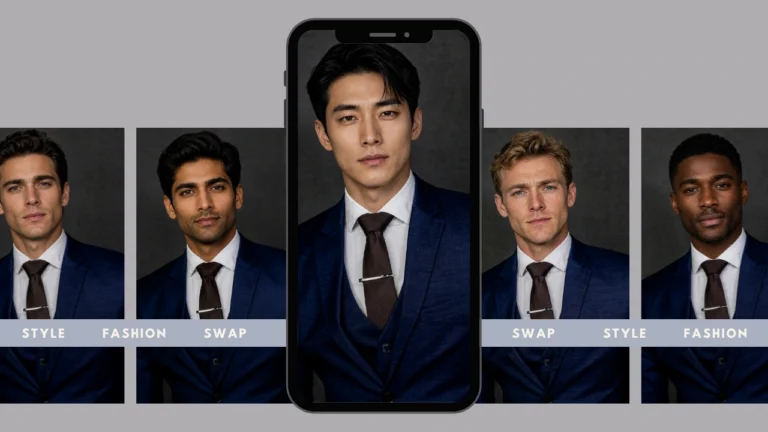
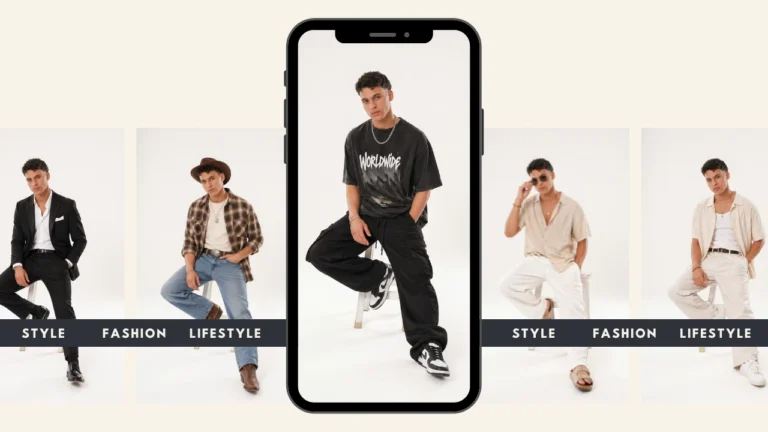
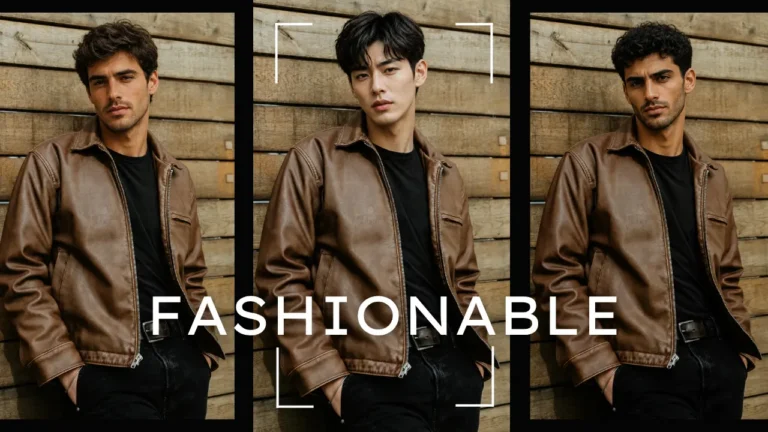
AI body swap lookbook featuring multiple male portraits swapped with PiktID for natural, high-quality results. The layout showcases how the AI tool maintains expression, lighting, and realism during identity swaps.

Best AI Body Swap Tool for Photo-realistic Results

1. Starting with AI Body Swap Estimated reading time: 14 minutes AI Body swap refers

Read more >
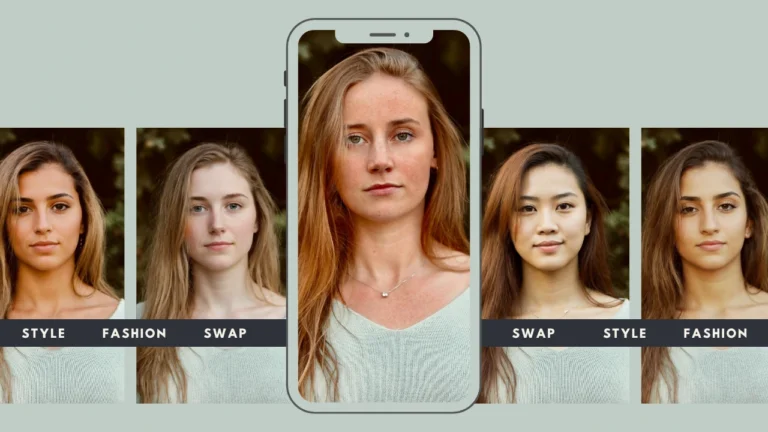
A stylish collage of multiple women showcasing AI body swap results with consistent lighting and natural skin tones. Promotes PiktID’s high-quality and fashionable face swap transformations.

Body Swap AI Maker – Natural Hair, Skin & Lighting

1. Getting started with Body Swap AI Body swap AI represents a major shift in

Read more >
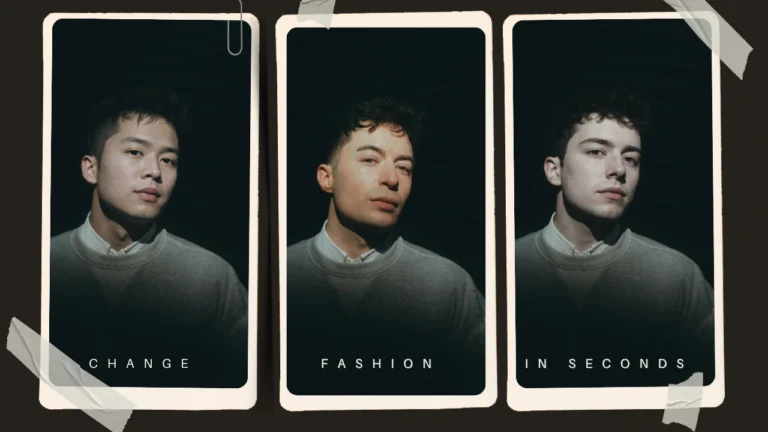
Three side-by-side portraits of a woman in a grey sweater, with the middle and right images showcasing AI face swap results using PiktID. The composition demonstrates how facial features are replaced while maintaining the original lighting and pose.

How to Body Swap in Photos Using AI – Fast & Realistic Results

I. Executive Summary Modern fashion brands increasingly require visual consistency, rapid content production, and scalable

Read more >
A group of portraits shows a blonde woman with several hairstyle transformations arranged in a collage. The layout emphasizes how virtual hair styling can alter appearance in various ways.

Virtual Hairstyle Try On – Get the best and latest Haircuts

Virtual hairstyle try on is now a core capability for salons, e-commerce teams, and content

Read more >
AI-generated fashion collage showing a blonde woman in four different jacket designs and poses. Use AI Dress up by PiktID in each style highlights how virtual wardrobe changes can transform the same model’s look.

AI Dress Up – Try the best Outfits & Styles

AI dress up describes AI-driven work flows that let consumers, retailers, and creators try on

Read more >
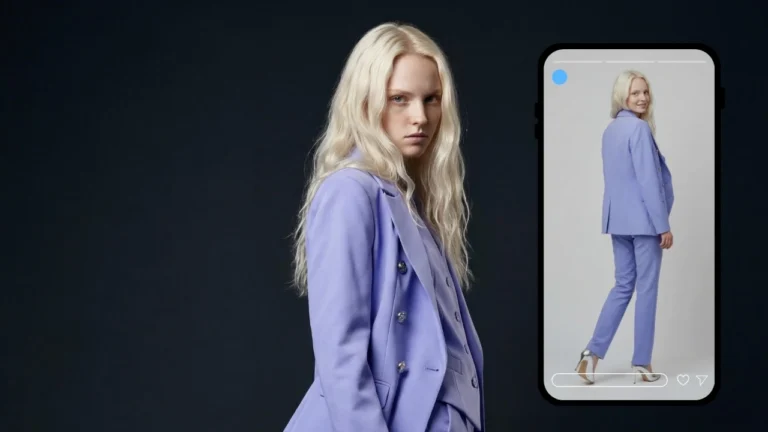
Fashion technology AI featured image showing a woman’s outfit transformation on a smartphone screen. Digital try-on tools connect brands with modern consumers through virtual styling.

Fashion Technology AI : Design the best and latest Trends

1. Getting started with Fashion Technology AI Fashion technology AI refers to the application of

Read more >
Featured AI lookbook model with lifelike details, modern fashion styling, and digital outfit presentation for virtual fashion campaigns.

AI Lookbook Model – Create the best Models with AI

1. Generating a New Look with AI An AI Lookbook Model is a photo realistic,

Read more >
A young woman showcases four different virtual hair color try on hair colors: brown, purple, blonde, and pink. The featured image emphasizes how virtual try-on apps allow experimenting with bold or natural shades.

Virtual Hair Color Try On – Stay in the latest trend

1. Changing hair color on models Virtual hair color try on is the practical, low-risk

Read more >
AI virtual try on clothes featured image showing outfit changes on a model. Perfect for showcasing virtual styling and online clothing visualization.

Virtual Try On Clothes – The Best way to Try Latest Trendy Clothes

1. The Evolution of Virtual Try On Clothes Fashion has always evolved hand in hand

Read more >
A young woman displays four outfits including a checkered jacket, brown blazer, black suit, and green dress. The AI-generated lookbook emphasizes how one photo can be transformed into different fashion styles.

AI Outfit Changer – Instantly Try On New Looks with PiktID

1. The Future of Virtual Styling is Here In the past, the process of experimenting

Read more >
Load More
piktid logo
Linkedin Instagram Facebook Discord

Contact Info

  • Lakeside Park B01a, 9020 Klagenfurt, Austria
  • office@piktid.com
  • About us

Legal

  • Imprint
  • Terms of Service
  • Privacy Policy
  • Cookies

©2025 All rights reserved

Made with ❤

Manage Consent
To provide the best experiences, we use technologies like cookies to store and/or access device information. Consenting to these technologies will allow us to process data such as browsing behavior or unique IDs on this site. Not consenting or withdrawing consent, may adversely affect certain features and functions.
Functional Always active
The technical storage or access is strictly necessary for the legitimate purpose of enabling the use of a specific service explicitly requested by the subscriber or user, or for the sole purpose of carrying out the transmission of a communication over an electronic communications network.
Preferences
The technical storage or access is necessary for the legitimate purpose of storing preferences that are not requested by the subscriber or user.
Statistics
The technical storage or access that is used exclusively for statistical purposes. The technical storage or access that is used exclusively for anonymous statistical purposes. Without a subpoena, voluntary compliance on the part of your Internet Service Provider, or additional records from a third party, information stored or retrieved for this purpose alone cannot usually be used to identify you.
Marketing
The technical storage or access is required to create user profiles to send advertising, or to track the user on a website or across several websites for similar marketing purposes.
  • Manage options
  • Manage services
  • Manage {vendor_count} vendors
  • Read more about these purposes
View preferences
  • {title}
  • {title}
  • {title}
Manage Consent
To provide the best experiences, we use technologies like cookies to store and/or access device information. Consenting to these technologies will allow us to process data such as browsing behavior or unique IDs on this site. Not consenting or withdrawing consent, may adversely affect certain features and functions.
Functional Always active
The technical storage or access is strictly necessary for the legitimate purpose of enabling the use of a specific service explicitly requested by the subscriber or user, or for the sole purpose of carrying out the transmission of a communication over an electronic communications network.
Preferences
The technical storage or access is necessary for the legitimate purpose of storing preferences that are not requested by the subscriber or user.
Statistics
The technical storage or access that is used exclusively for statistical purposes. The technical storage or access that is used exclusively for anonymous statistical purposes. Without a subpoena, voluntary compliance on the part of your Internet Service Provider, or additional records from a third party, information stored or retrieved for this purpose alone cannot usually be used to identify you.
Marketing
The technical storage or access is required to create user profiles to send advertising, or to track the user on a website or across several websites for similar marketing purposes.
  • Manage options
  • Manage services
  • Manage {vendor_count} vendors
  • Read more about these purposes
View preferences
  • {title}
  • {title}
  • {title}