
1. Starting with AI Body Swap
Estimated reading time: 14 minutes
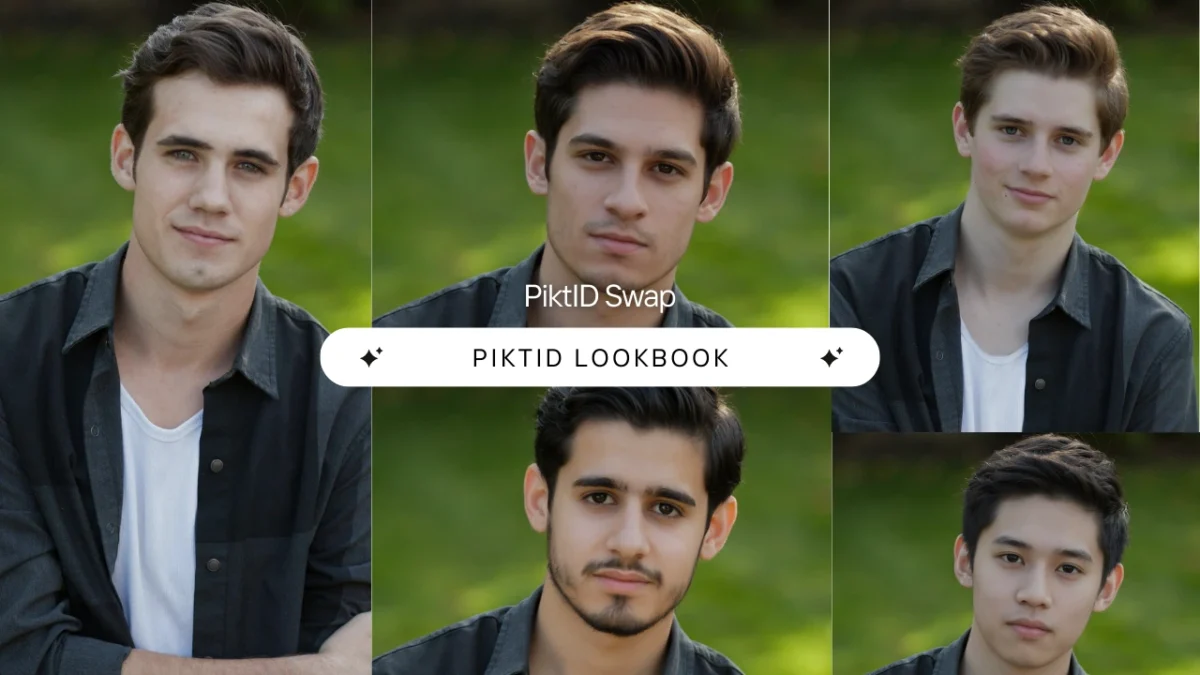
AI Body swap refers to the process of replacing a person’s physical appearance in a photo while preserving their pose, clothing, and overall scene structure. Instead of simply overlaying a face, this technology re-aligns identity, proportions, and visual cues to create a natural, cohesive transformation. While many people see body or face swap tools as filters for entertainment or social media, PiktID’s AI Body swap is built specifically for high end fashion production and professional imaging work flows. Modern brands can shoot garments on cost effective fit models and transform those images into final campaign ready visuals without arranging additional photo shoots, hiring expensive models, or navigating complex licensing approvals. This allows teams to produce polished imagery at scale using their existing studio setup. Use cases span the full fashion ecosystem, including:- Large luxury and premium fashion houses
- D2C and Instagram-native clothing brands
- Marketplace sellers managing hundreds of SKUs
- Catalog and editorial content teams
- E-commerce brands needing consistent model images
2. Why AI Body Swap Matters for Fashion
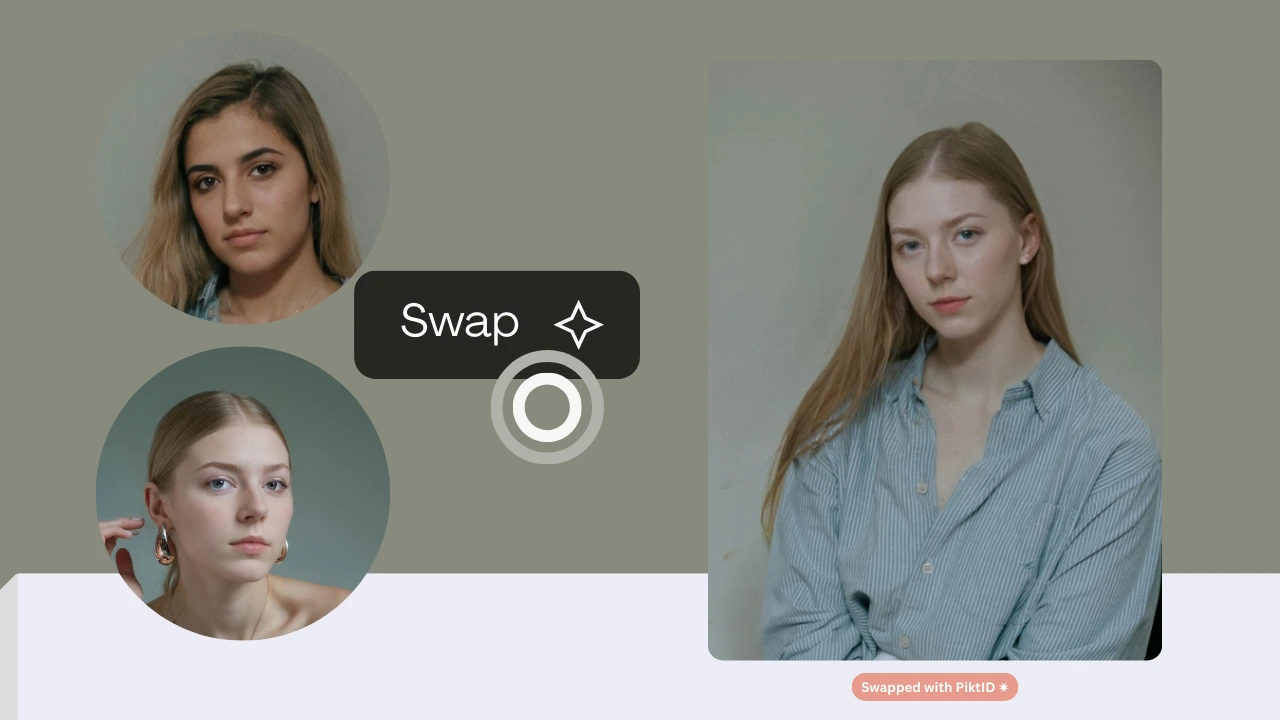
Fashion brands face massive pressure to produce visual content at unprecedented speed. Daily social media posting, marketplace uploads, weekly drops, global ads, influencer style assets, and multi platform merchandising require an endless stream of fresh imagery. Traditional production workflows cannot keep up with this volume.
The standard studio process is also expensive and rigid. Challenges typically include:
- High casting fees for professional models
- Licensing contracts that limit distribution or duration
- Makeup, grooming, and styling overhead
- Re-shooting garments for new colors, sizes, or minor variations
- Tight deadlines and inconsistent model availability
- Consistent lighting and tone matching
- Realistic texture transfer for skin and fabric
- Precise pose and garment preservation
- Body shape alignment for natural results
3. What Is AI Body Swap?
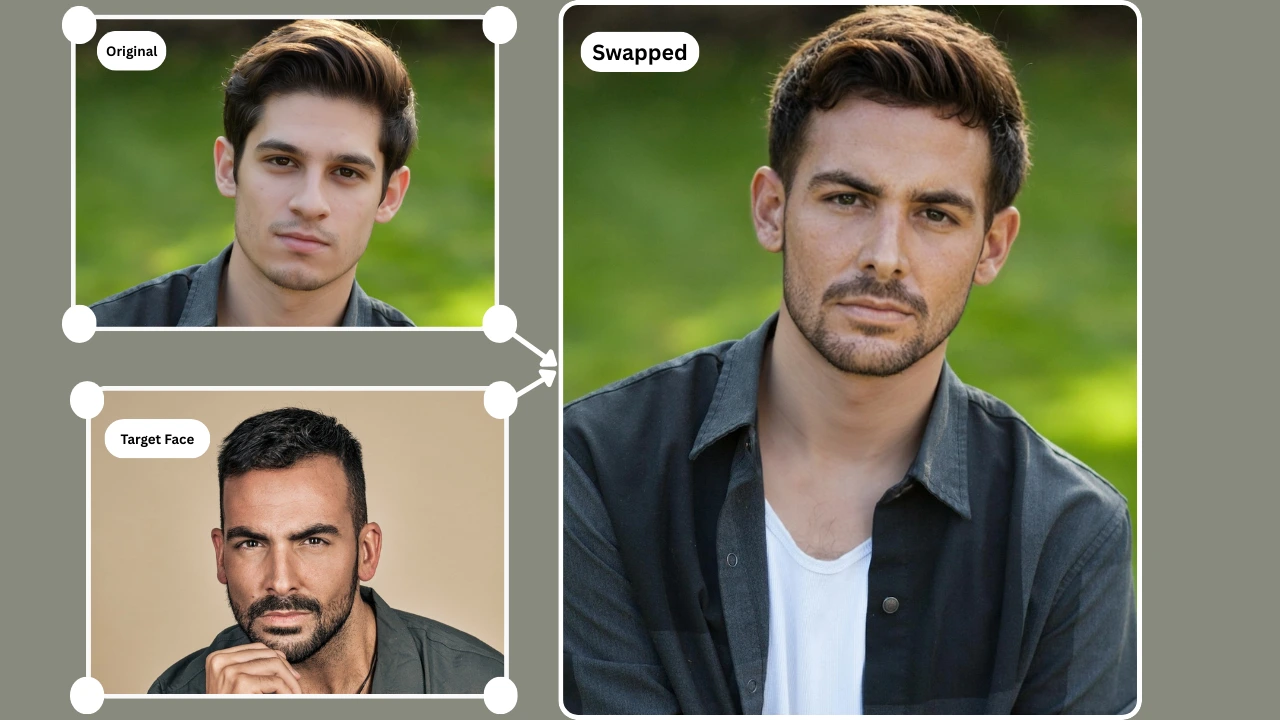
AI Body swap is the process of replacing the entire body or model identity in a photo while preserving the original composition, lighting, clothing, and pose. Instead of modifying just the face, the system reconstructs the body silhouette, proportions, and visual attributes to match a new identity. The clothing, fabrics, shadows, and posture remain intact, ensuring the final output looks like a professionally shot photograph rather than a generated composite.
To understand how this differs from other AI techniques, it’s important to break down the distinctions:
Face Swap vs Body Swap
- Face swap changes only facial identity while leaving the body, posture, and physique unchanged.
- Body swap replaces the model’s full body and identity while retaining garments, textures, and expression neutral elements.
Pose Transfer vs Identity Transfer
- Pose transfer modifies how the body is positioned or moves.
- Identity transfer focuses on changing who the person is without altering the pose, lighting direction, or outfit structure.
Generative Outpainting vs Realistic Replacement
- Outpainting expands backgrounds or fills missing areas around the subject.
- Realistic replacement reconstructs the person within the existing frame without altering the scene’s geometry or perspective.
What PiktID does differently:
- No warping artifacts, even in complex poses or layered garments.
- No mismatched limbs or unnatural body proportions.
- Consistent lighting, skin reflection, and shadow behavior.
- Accurate garment preservation including folds, stitching, and fabric weight.
- Natural neckline, shoulder lines, collarbone definition, and posture retention.
- Outputs match fashion studio standards, enabling use in look books, catalogs, and large scale Ecommerce workflows.
4. PiktID’s AI Body Swap Features
4.1 Full Model Replacement
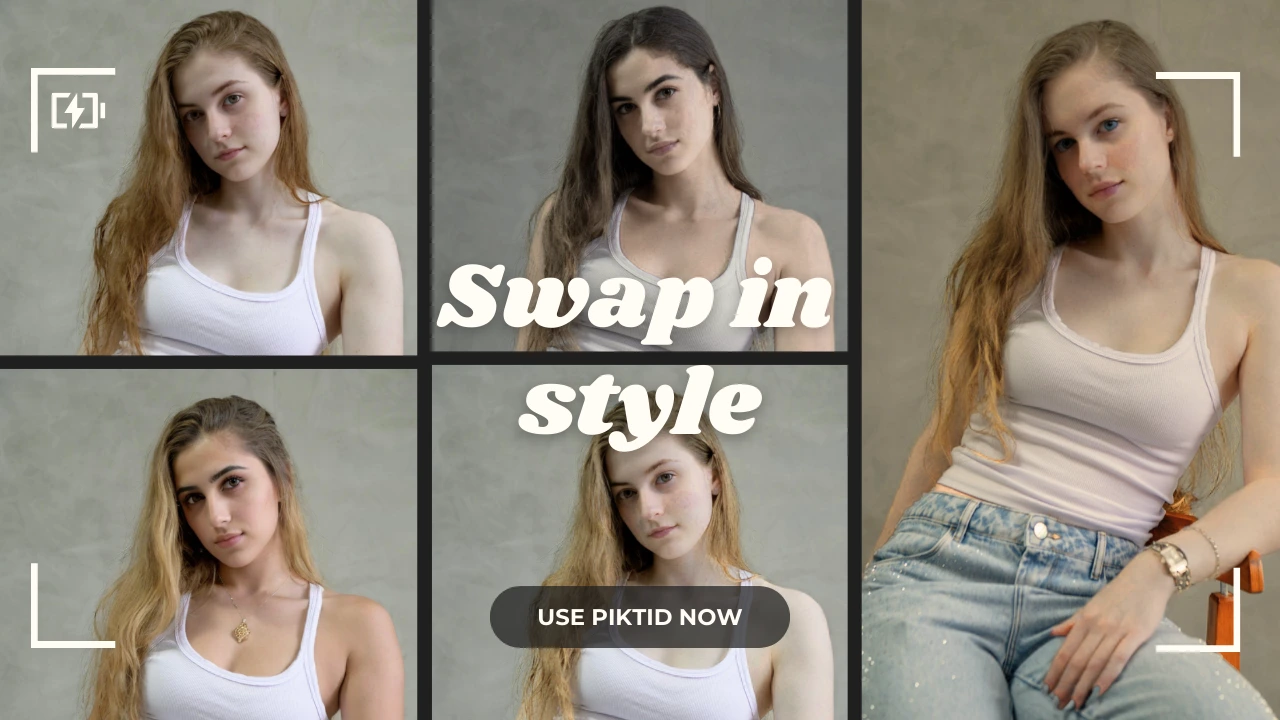
- Replace the entire model identity rather than modifying only facial features.
- Maintain posture, garment fit, fabric tension, and silhouette.
- Ensure that clothing drape, hemlines, and crease patterns remain photo realistic.
4.2 Identity Consistency for Fashion Brands
- Generate or reuse a single model identity across hundreds of outfits.
- Maintain uniformity in campaigns, collections, and Ecommerce listings.
- Remove the need to rehire the same model for every shoot while preserving visual continuity.
4.3 Fit Model → Final Model Workflow
- Shoot garments using fit models in an affordable studio setup.
- Transform these images into high fashion editorial visuals using body swapping.
- Preserve the garment’s original fit while upgrading the overall aesthetic.
4.4 Perfect Hair, Shoulders, Hands & Skin Alignment
PiktID automatically adjusts:
- Hair length, volume, and surrounding shadows.
- Hand and finger alignment to match the new identity’s proportions.
- Shoulder slope and angle to avoid distortion or unnatural rigidity.
- Skin tone, highlights, and mid tone lighting.
- Neckline blending to ensure smooth transitions between head and torso.
4.5 Anonymization for GDPR Compliance
- Fit model identities can be anonymized before applying a new body.
- Synthetic identities ensure compliance with privacy regulations.
- Brands can safely reuse workflow assets without revealing real individuals.
4.6 SwapID + Generate Person Integration
- Brands can create their own signature models tailored to specific demographics.
- Combine generated identities with body swap to produce consistent editorial or Ecommerce imagery.
- Build long-term model libraries for campaigns, product lines, and recurring seasonal shoots.
5. Step-by-Step Guide: How to Use AI Body Swap
This work flow is designed for fashion brands, Ecommerce teams, and creators who need consistent model imagery without repeated photo shoots. The Studio interface offers a guided, visual first experience, ensuring accurate body alignment, natural garment draping, and identity consistency across all outputs.
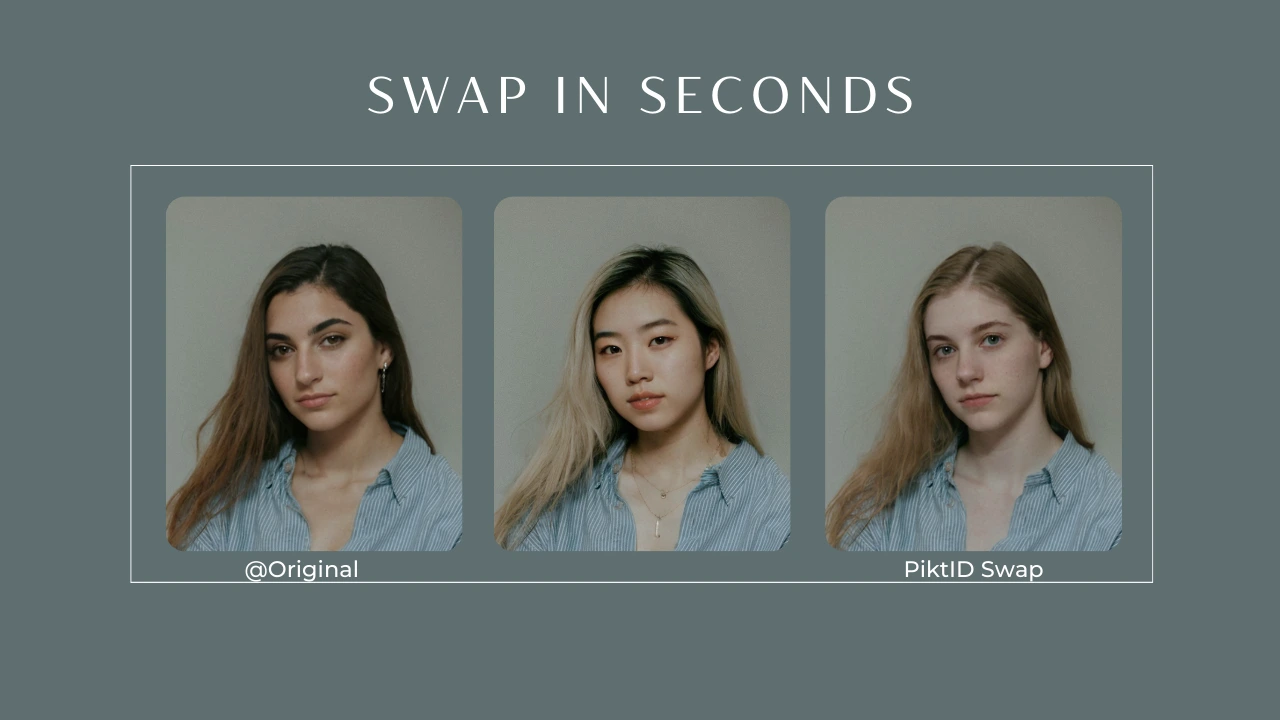
5.1 Prepare Your Fit Model Images
Before using the AI Body swap workflow, ensure your base (fit model) images meet industry quality standards. This helps the system retain garment integrity and positioning.
- Use a neutral, uncluttered background to avoid distractions.
- Capture standard poses: front facing and 45° angles are preferred.
- Ensure consistent lighting across garments to prevent mismatched shadows or color shifts.
- Avoid overly stylized photos to maintain accurate body to garment alignment.
- Maintain a straight posture and visible garment edges for better pose preservation.
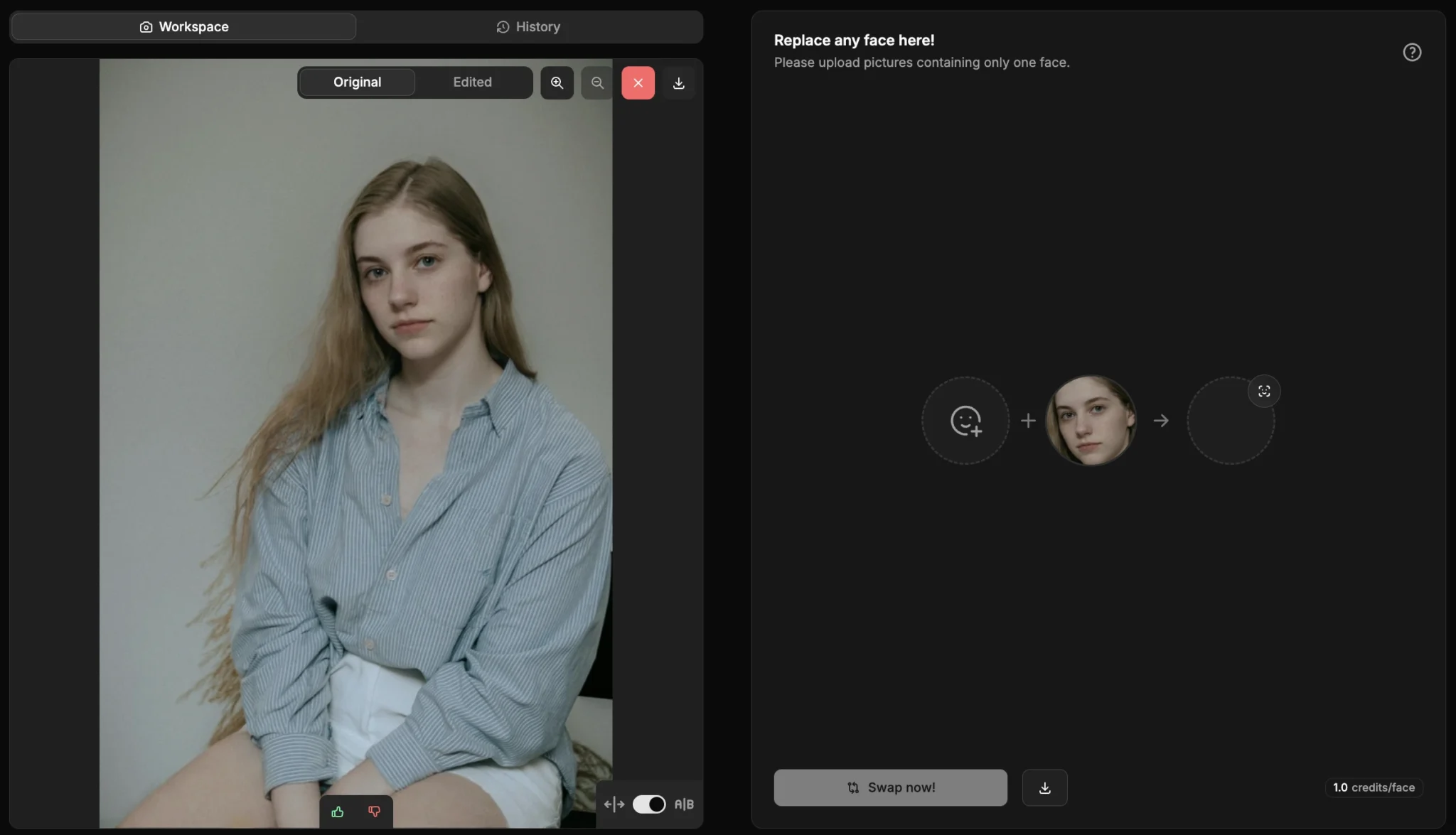
5.2 Choose or Generate Your Final Model Identity
The final model identity becomes the face and body proportions applied to your garment visuals. Brands can select a real model or generate a synthetic, licensing free alternative.
- Option 1: Upload your preferred model image for identity transfer.
- Option 2: Generate a custom look using PiktID’s Generate Person tool, choosing traits such as region, age range, or aesthetic.
- Option 3: Use a synthetic identity for complete licensing freedom, ideal for large scale catalogs and global campaigns.
- Ensure the final identity image includes clear facial structure and natural lighting for best results.
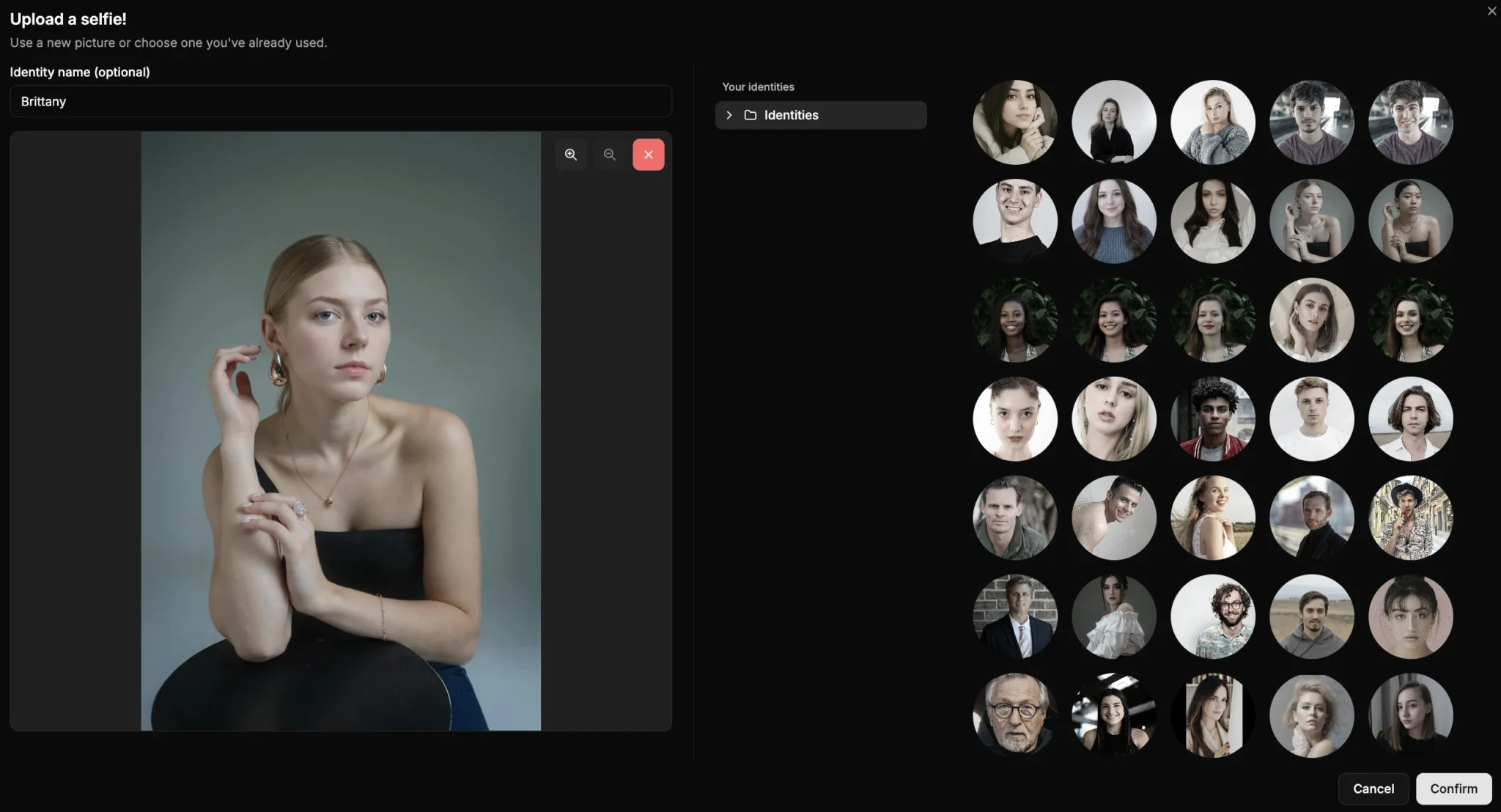
5.3 Upload Both Images
Once your model identities are ready, the platform aligns them for the AI Body swap process.
- Upload your fit model image as the source.
- Upload the final model identity as the target.
- Confirm that both images share similar lighting and orientation for the most realistic output.
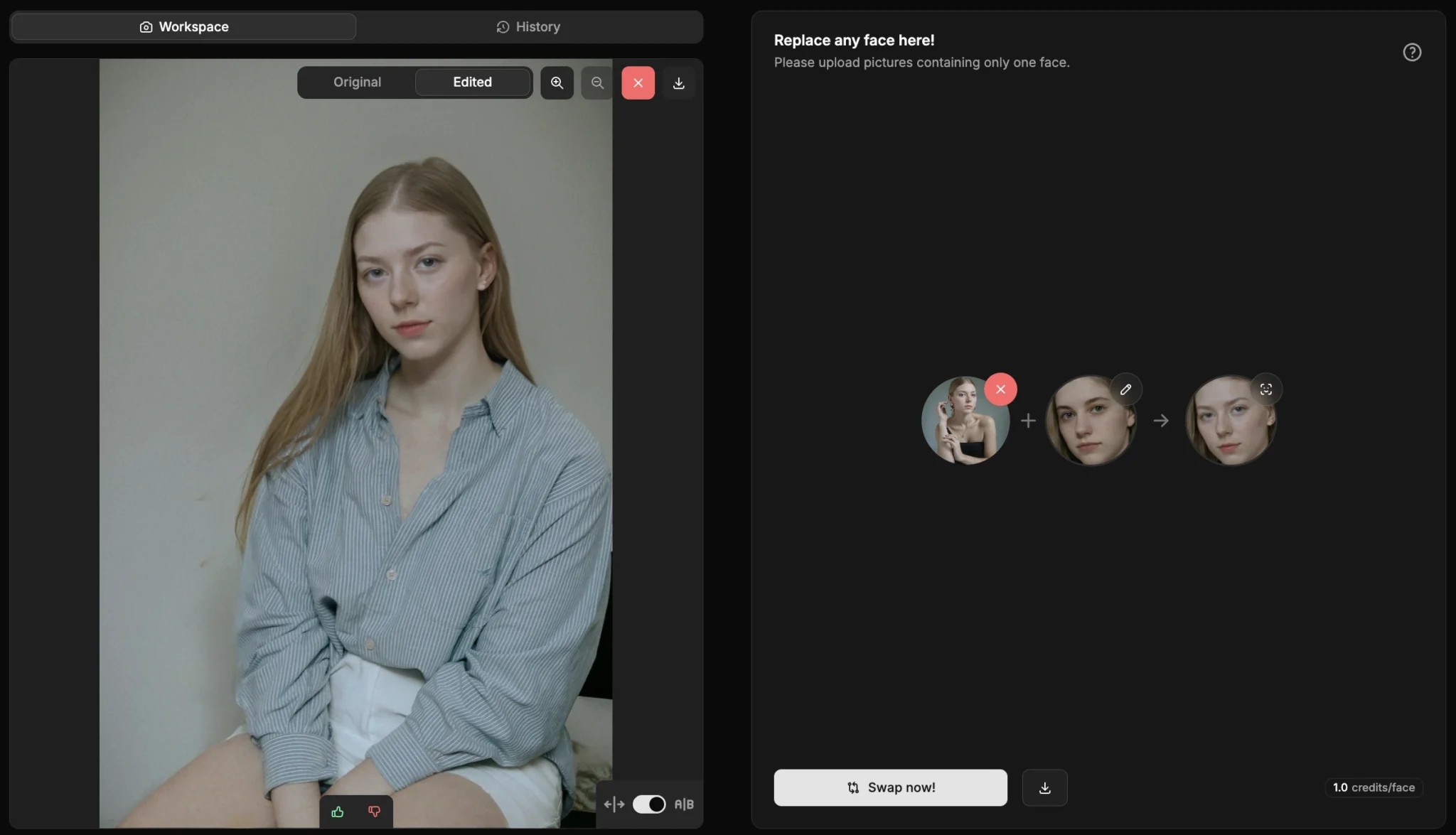
5.4 Apply the AI Body Swap
This is where the garment and the selected identity merge into a unified, studio quality image.
- Choose the Full Body Replacement mode to maintain proportions and garment drape.
- Activate identity consistency mode to ensure all outputs look like the same model.
- Enable pose preservation mode so the original garment pose remains unchanged.
- Adjust optional refinement sliders where needed, including:
- Lighting balance
- Neckline smoothing
- Shadow correction
- Fabric integrity and color preservation
- Preview the result to confirm realism before downloading.
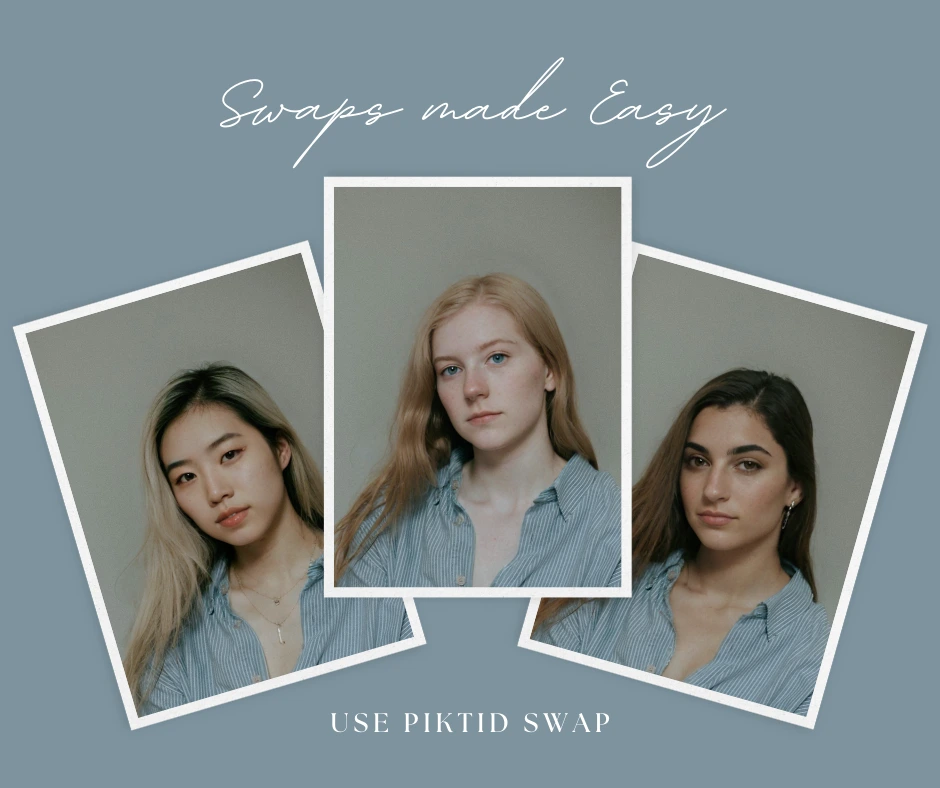
5.5 Download Final Visuals
After processing, the system provides multiple export ready formats suitable for fashion work flows.
- Download high resolution final renders suitable for print or zoom enabled Ecommerce.
- Export variations optimized for look books, PDP images, marketplaces, catalogs, or social media.
- Save identity profiles for future reuse, ensuring consistent visuals across collections.
6. API Workflow for PiktID Swap Feature
For brands managing large product pipelines, the API offers an automated method to generate thousands of model images using AI Body swap without manual uploads. This is ideal for teams requiring scale, speed, and consistency across weekly or monthly catalog updates.
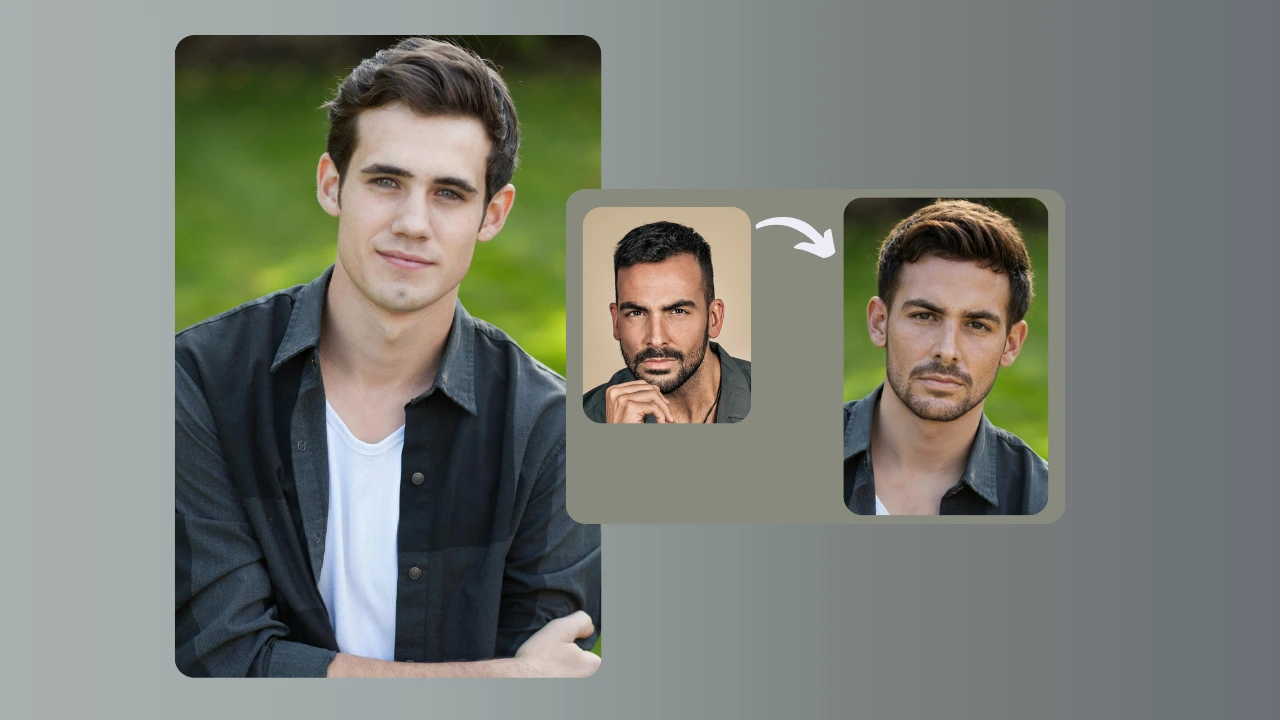
6.1 Why Use an API?
The API enables automated, repeatable model generation workflows within existing product systems.
- Ideal for fashion brands publishing hundreds of SKUs per week.
- Eliminates repetitive manual editing tasks.
- Suitable for Ecommerce automation and bulk imagery production.
- Integrates into custom CMS workflows or digital asset management systems.
- Ensures identity consistency across all product photos without manual oversight.
6.2 API Steps
The API process mirrors the Studio workflow but allows fully automated image generation at scale.
- Upload the fit model image to the source endpoint.
- Upload the final model identity image to the target endpoint.
- Enable pose preservation parameters to maintain garment accuracy.
- Retrieve the high resolution swapped image through the API response.
- Sync the final output directly to Shopify, WooCommerce, Magento, or any DAM through automated pipelines.
- Optionally store identity profiles and reuse them for future product listings.
7. Best Practices & Troubleshooting Tips
Achieving high quality outputs in any model transformation workflow requires disciplined input preparation and controlled variation. Whether you are using PiktID for catalog production, identity consistency, or AI Body swap tasks, the following guidelines help maintain natural proportions, clean garment lines, and realistic lighting.
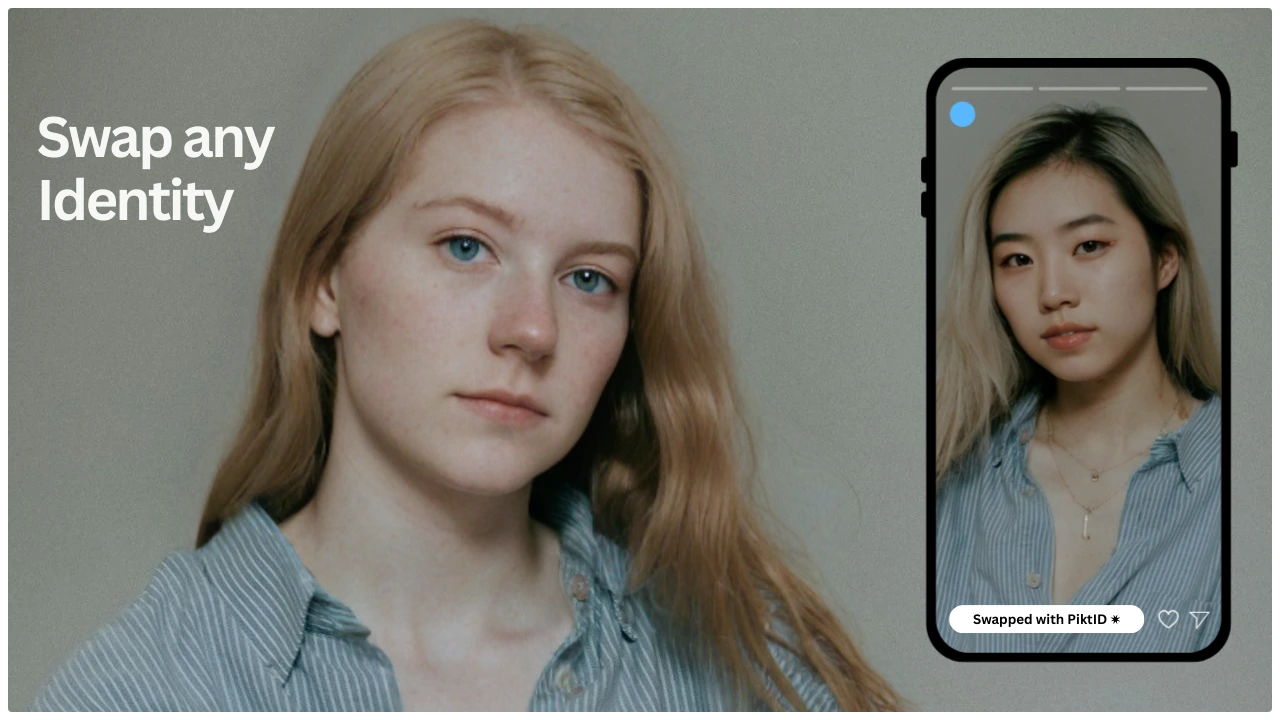
Best Practices for Perfect Results
- Use well lit studio images with soft shadows and even illumination. Harsh directional lighting creates inconsistencies after identity changes.
- Avoid occlusions such as bags, folded arms, or props blocking torso and garment edges. Clear visibility ensures more accurate alignment.
- Maintain consistent garment fit shots across all images. Variations in stretch, drape, or styling can result in asymmetrical outputs.
- Select final model identities with similar posture, stance, and shoulder alignment to preserve realistic proportions.
- Use synthetic identities when possible to eliminate licensing, usage rights, and consent complications.
- Keep backgrounds simple during initial editing to improve edge detection and reduce artifacts.
- For multi image sets, use batch processing to maintain uniform tone, lighting, and framing.
Common Fixes and How to Resolve Them
- Neckline mismatch → Enable alignment mode to correct collar depth, shoulder placement, and neck to body transitions.
- Slight lighting difference → Apply tone matching to neutralize temperature variations and unify highlights and shadows.
- Garment edge artifacts → Increase fabric edge refinement for clearer hems, sleeves, and silhouette contours.
- Hand mismatch or distortion → Activate the hand correction setting to restore finger shape, adjust wrist angles, and maintain natural limb proportions.
- Stretch or compression issues after AI Body swap → Re-run the swap with proportional scaling enabled to preserve accurate body geometry.
- Unnatural background blending → Use background harmonization tools to match grain, exposure, and color values.
8. Fashion Use Cases
PiktID’s transformation and identity control workflows streamline fashion production pipelines across Ecommerce, retail, and digital merchandising. These scenarios demonstrate how brands reduce re-shoot costs, accelerate content delivery, and maintain consistent visual identity.
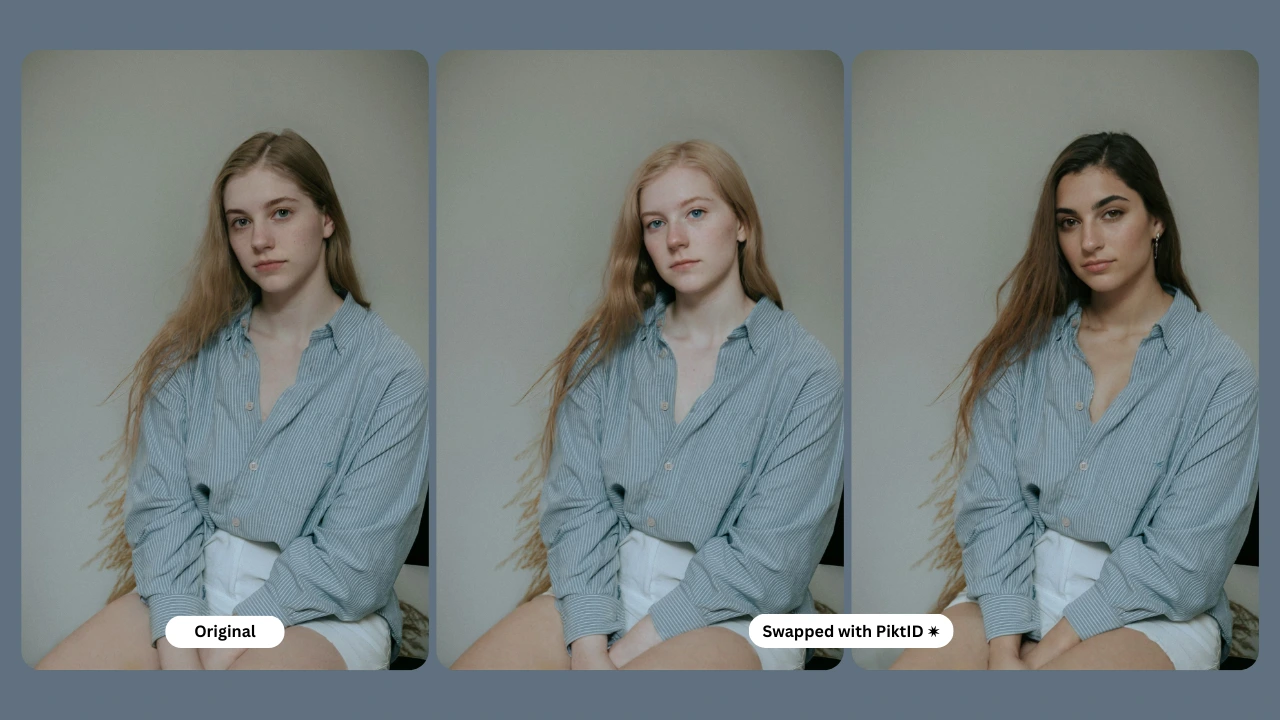
1. Marketplace and E-Commerce Catalogs
- Generate hundreds of product on model images from a single photo set.
- Maintain identical lighting and pose across size variants, color variants, and product types.
- Scale content production for marketplaces without repeatedly hiring models.
2. Lookbooks and Seasonal Campaigns
- Use the same stored identity for an entire collection to ensure cohesive branding.
- Apply AI Body swap to unify models across diverse outfits without requiring additional shoots.
- Build full season narratives with consistent styling and visual tone.
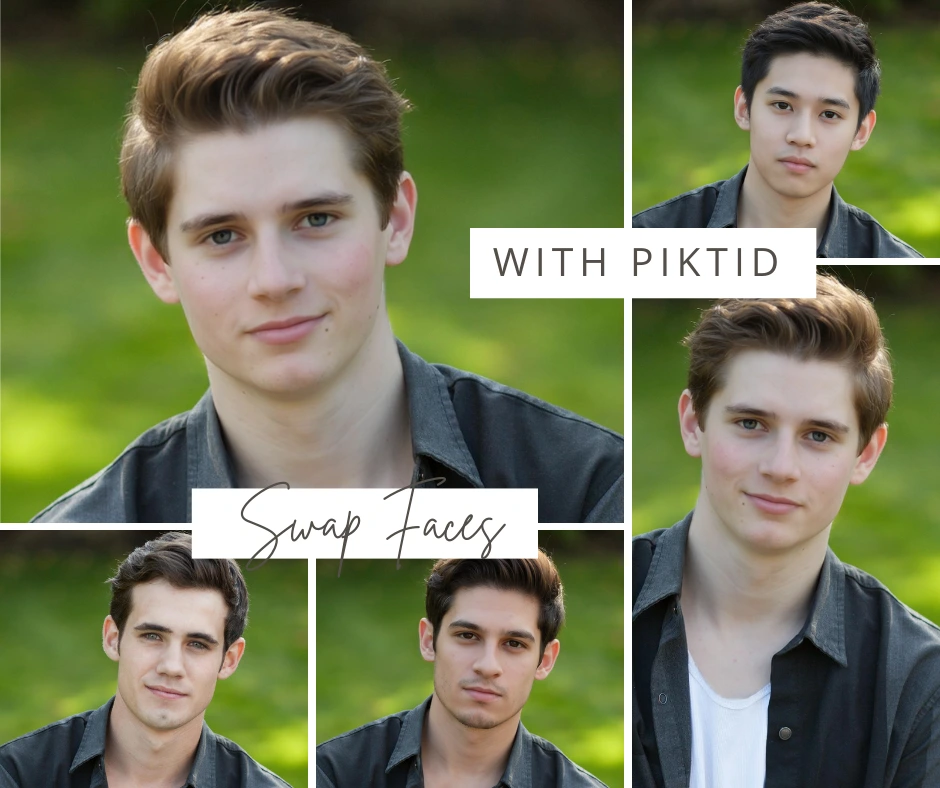
3. Social Media and Influencer Content
- Produce creator style content at scale without relying on influencer availability.
- Match identities, poses, or brand aesthetics across platforms such as Instagram and Pinterest.
- Generate region specific models for targeted campaigns.
4. Fit Model to Final Model Pipeline
- Core fashion use case where brands capture garments on fit models and convert them to final models later.
- Achieves up to 60–80 percent reduction in production cost by minimizing studio time and talent scheduling.
- Maintains high fidelity of fabric texture, drape, and fit.
5. Color Variants and Re-shoots
- No more expensive repeat photo shoots for new colorways or updated designs.
- Swap or modify model identities post production while preserving garment integrity.
- Rapidly refresh catalogs when launching new SKUs or regional drops.
9. Competitor Comparison Table
When evaluating AI-driven visual editing platforms, the depth of capabilities varies significantly across tools. Most consumer apps specialize in simple face swaps or entertainment level edits, while professional workflows require higher accuracy, garment preservation, fashion grade consistency, and the ability to work at scale. The comparison below outlines why PiktID remains the preferred choice for fashion brands, Ecommerce teams, and studios that rely on full-body transformations, AI Body swap work flows, and identity safe visual production.
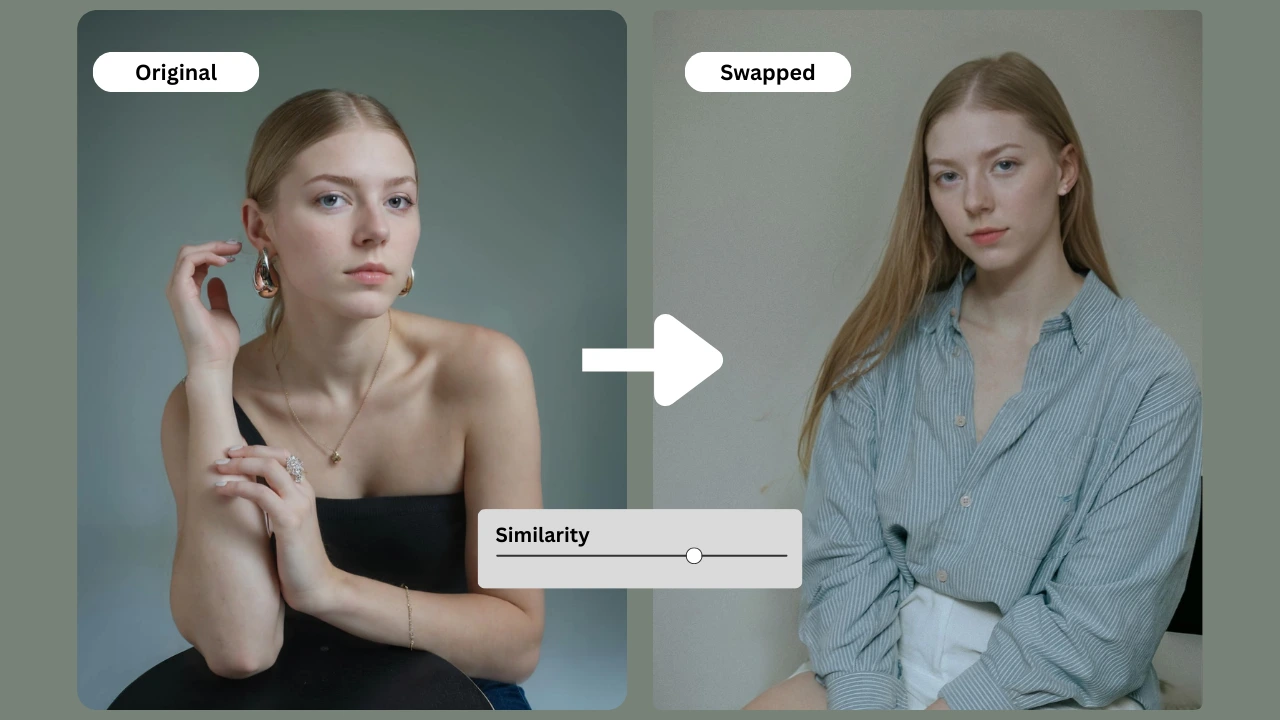
Key advantages that set PiktID apart include:
- Support for complete body swaps rather than limited facial overlays.
- Advanced consistency controls for skin tone, lighting, fabric texture, and pose.
- A fashion focused pipeline where fit-model images can be transformed into final Ecommerce visuals without rebuilding the scene.
- Ability to reuse synthetic identities securely for campaigns while maintaining GDPR compliance.
- Enterprise-level API access suitable for large catalog production and high volume rendering.
| Feature | PiktID | Reface | DeepSwap | Fotor | Canva |
| Full Body Swap | ✔ | ✖ | ✖ | ✖ | ✖ |
| Fashion-grade Identity Consistency | ✔ | ✖ | ✖ | ✖ | ✖ |
| Fit Model → Final Model Workflow | ✔ | ✖ | ✖ | ✖ | ✖ |
| Garment Preservation | ✔ | Limited | Limited | ✖ | ✖ |
| Lighting + Shadow Matching | ✔ | Limited | Limited | ✖ | ✖ |
| Synthetic Identity Support | ✔ | ✖ | ✖ | ✖ | ✖ |
| API for Large-Scale Fashion | ✔ | ✖ | ✖ | ✖ | ✖ |
10. Ethics & Privacy Notes
AI-generated visuals must follow clear ethical standards, especially when working with full body edits, synthetic identities, and cross model transformations. Responsible use protects both the subjects involved and the brands deploying the final imagery.
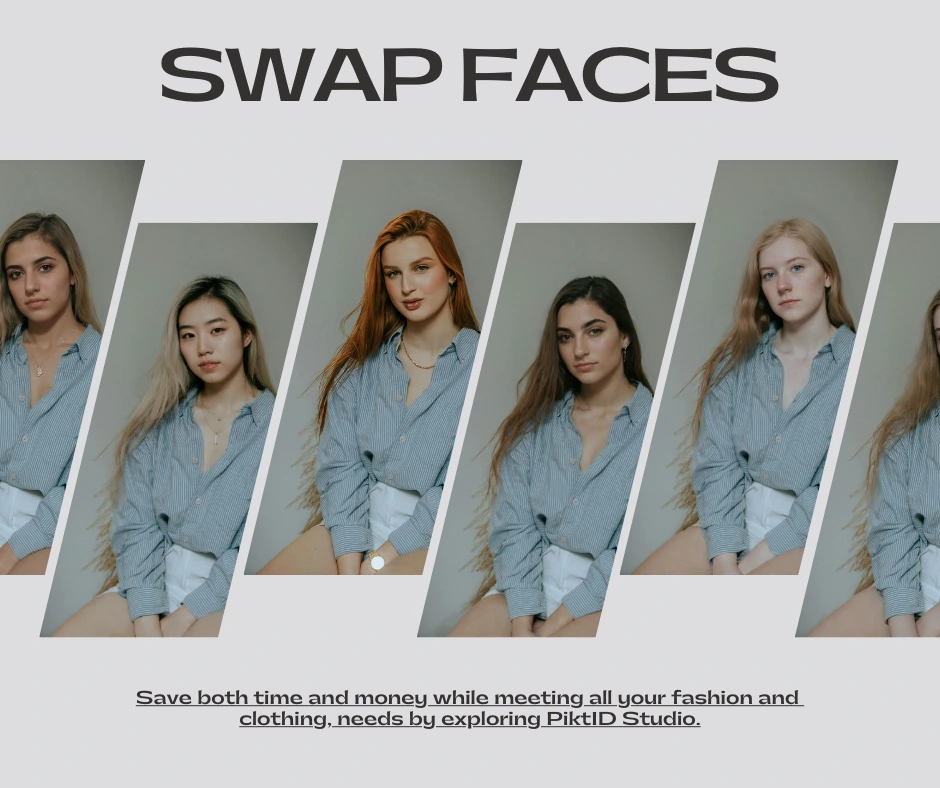
Core ethical principles include:
- Always obtain explicit consent from fit models or any real individuals whose images are used in production.
- Prioritize synthetic or licensing free identities when creating digital campaigns to avoid long-term usage conflicts, talent rights issues, or regional compliance problems.
- Follow GDPR guidelines by anonymizing real identities whenever possible. Synthetic identities ensure campaigns remain legally safe across global markets.
- Avoid generating body swaps for misuse, including deepfakes, deceptive advertising, impersonation, harassment, or explicit content.
- Use AI swaps strictly to enhance creative work flows such as catalog production, virtual try-ons, and editorial imagery—not to mislead customers about product fit or model appearance.
- Ensure that any AI Body swap output maintains transparency in professional contexts, allowing brands and partners to clearly understand how the images were created.
11. Concluding why choose PiktID
PiktID’s AI Body swap solution gives fashion brands the ability to scale model diversity, localize campaigns, and repurpose existing photo shoots without compromising garment accuracy. Instead of coordinating new shoots, brands can update identities on demand, build consistent digital models, and streamline visual production across collections and platforms. This approach reduces cost, shortens production cycles, and enables fashion teams to release more content with fewer resources.
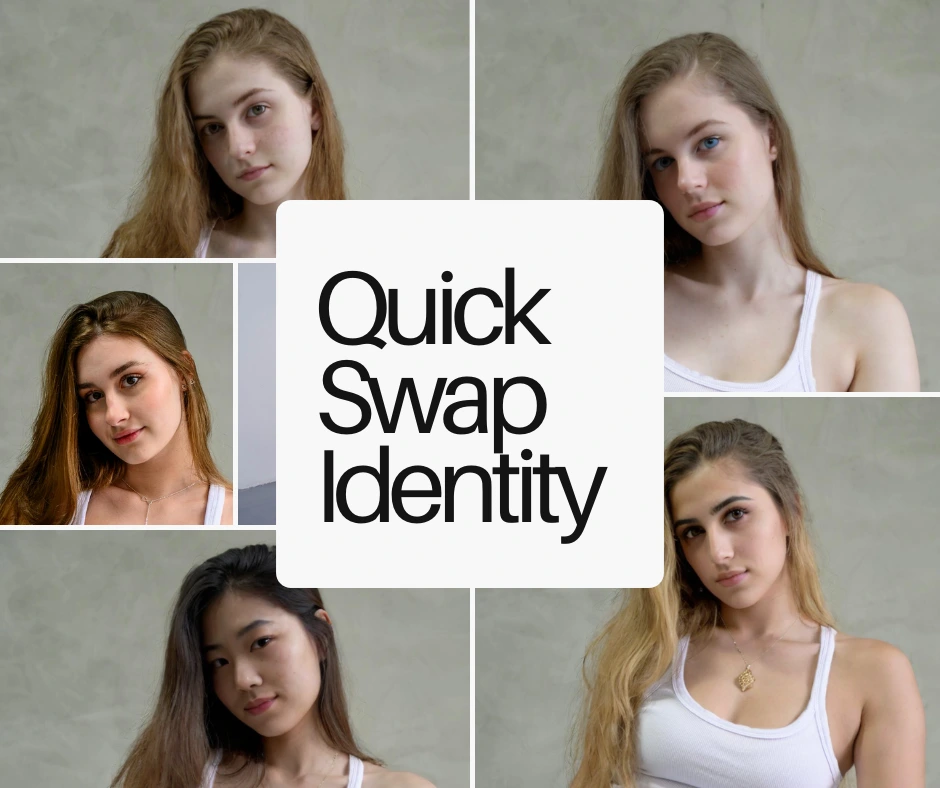
Contact for Early Access
Ready to transform your fashion workflow with AI Body swap?
We’re currently onboarding select brands and early partners.
Email us at office@piktid.com to request early access to PiktID Studio.
Meanwhile, sign up at PiktID Studio and receive 10 free credits to explore the suite.
Key Takeaways
- AI Body Swap allows brands to replace a model’s identity in photos while preserving clothing and scene structure.
- This technology streamlines production by enabling fashion brands to use fit models for cost-effective imaging without extra photo shoots.
- PiktID’s AI Body Swap supports consistent branding by managing identity across multiple campaigns and product lines.
- The tool enhances efficiency by reducing production costs, accelerating timelines, and ensuring high-quality visuals.
- Ethical usage is crucial, requiring consent, adherence to GDPR, and a focus on creative enhancements rather than misleading portrayals.
12. FAQs – AI Body Swap
1. What is AI Body swap?
AI Body swap is a process where artificial intelligence replaces the original model’s full body with another identity while preserving garment structure, lighting, and fabric behavior. In fashion, it helps brands test different models, body types, or demographics without re-shooting the entire lookbook.2. How does AI Body swap work for fashion brands?
The system analyzes the original image, extracts garment geometry, and maps it onto a synthetic or alternate model. For fashion brands, this streamlines content production, making it easier to scale campaigns, expand model diversity, or localize imagery for new markets.3. Can I replace a full model, not just the face?
Yes. The workflow supports complete model replacement, retaining the original clothes, pose, shadows, and styling details. This allows brands to reuse existing photoshoots while adapting the model identity to different audiences.4. Is AI Body swap legal for commercial fashion use?
It is legal when the brand owns the source images and has rights to alter or repurpose them. Using synthetic identities or anonymized models further reduces compliance risks across international markets.5. Do I need permission from the fit model?
Permission is required if you are altering a real person’s identifiable likeness. Brands can avoid this requirement by generating synthetic identities or using anonymized models through tools like PiktID’s identity generation systems.6. How do I maintain garment accuracy during swaps?
Accuracy improves when the following conditions are met:- High-resolution source images
- Even lighting with minimal shadows
- Clear fabric texture and defined edges
- Frontal or slightly angled poses
7. Can I generate my own brand model identity?
Yes. Brands can use synthetic identity tools to create a consistent in-house model that can appear across campaigns, product pages, and seasonal lookbooks. This enables uniform branding and reduces long-term photoshoot costs.8. What kind of photos work best for body swap?
The highest accuracy comes from:- Well-lit studio-quality images
- Minimal motion blur
- Clearly visible garments
- Neutral or solid backgrounds