
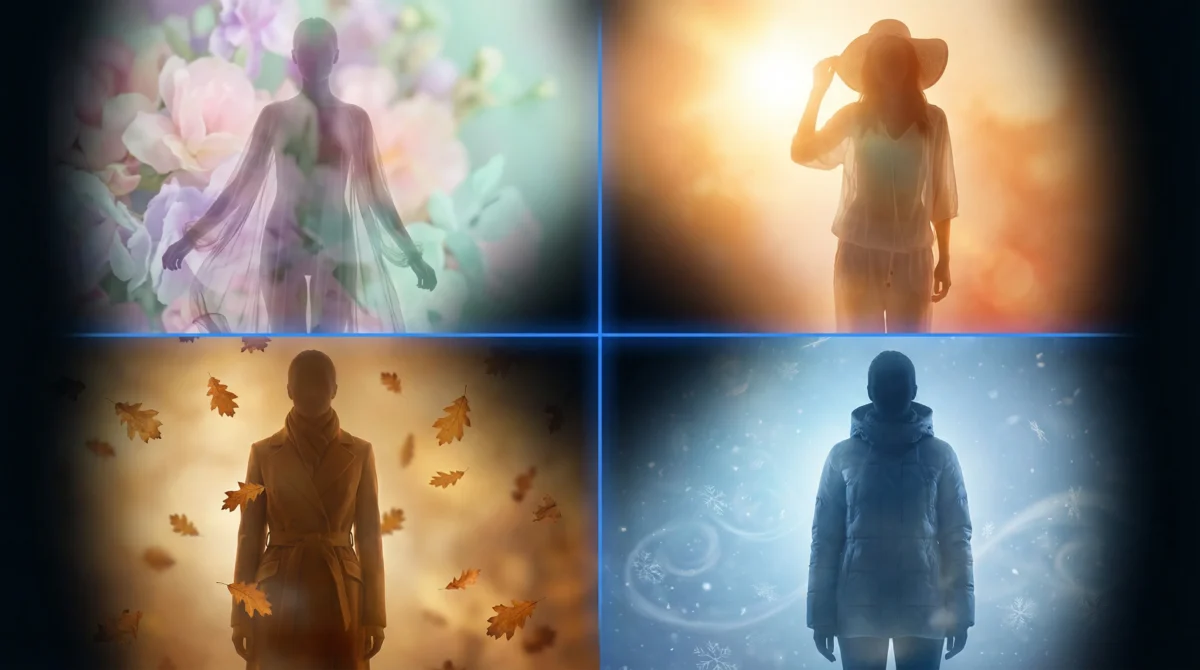
Seasonal fashion photography drives the entire fashion retail calendar, every 3–4 months, brands refresh their product catalogs with imagery reflecting seasonal color palettes, styling trends, and consumer mood. For a mid-size retailer with 500+ active products, this means scheduling multiple photoshoots and coordinating photographers, models, and stylists across multiple locations.
AI-generated product imagery transforms this seasonal grind into a streamlined process. Instead of re-shooting your entire catalog, you can refresh backgrounds, swap model identities, generate new photography styles, and batch-update thousands of images in days instead of weeks.
The Seasonal Fashion Photography Challenge
Fashion brands face four recurring challenges every season:
Challenge 1: Updating Backgrounds and Environments
Spring calls for light, airy settings. Summer demands outdoor scenes. Autumn needs warm tones and layered textures. Winter shifts to cozy, intimate backdrops. Traditionally, each seasonal background requires a new physical set or location shoot.
The AI solution: Generate the same product on a model with different AI-generated backgrounds. A single flat-lay input produces white-studio PDP images for year-round use plus seasonal lifestyle images for campaign pages, social media, and email marketing — all from the same source image.
Challenge 2: Reflecting Seasonal Color Palettes
Each season brings trend-driven color stories (Pantone’s color of the year, fashion week influences, regional preferences). Product photography should feel visually aligned with the season’s aesthetic even when the garments themselves don’t change.
The AI solution: Use On-Model’s preset system to adjust overall mood, lighting warmth, and background tones. PDP presets maintain clean consistency while lifestyle and editorial presets can incorporate seasonal color palettes.
Challenge 3: Adjusting Model Presentation
Consumer expectations for model styling shift seasonally — hair, pose language, and styling accessories all follow trends. Summer campaigns use relaxed, outdoor poses while winter campaigns lean into structured, indoor posing.
The AI solution: Generate multiple pose and styling variations from the same garment input. On-Model supports pose customization, allowing you to match seasonal presentation norms without rebooking models.
Challenge 4: Maintaining Brand Consistency Across Refreshes
When you reshoot each season with different photographers, studios, and models, visual consistency degrades. Your spring catalog looks different from your winter catalog, and customers lose the visual thread that defines your brand.
The AI solution: AI identity consistency is the default, not the exception. The same virtual model, with the same skin tones, facial features, and body proportions, appears across every season automatically.
A Seasonal AI Photography Strategy
Year-Round Foundation: PDP Images
Your product detail page images should be timeless — clean white backgrounds, front-facing poses, consistent identity. Generate these once per product and keep them year-round.
- Background: Clean white studio
- Pose: Standard front-facing, PDP-optimized
- Identity: Your brand’s primary AI identity
- Aspect ratio: 3:4 (portrait) or 1:1 (square for marketplaces)
- Refresh frequency: Only when product designs change
Seasonal Overlay: Campaign and Lifestyle Images
Layer seasonal lifestyle images on top of your evergreen PDPs. These are the images that appear on collection pages, social media, email campaigns, and homepage banners.
| Season | Background Mood | Lighting | Pose Energy | Color Palette |
|---|---|---|---|---|
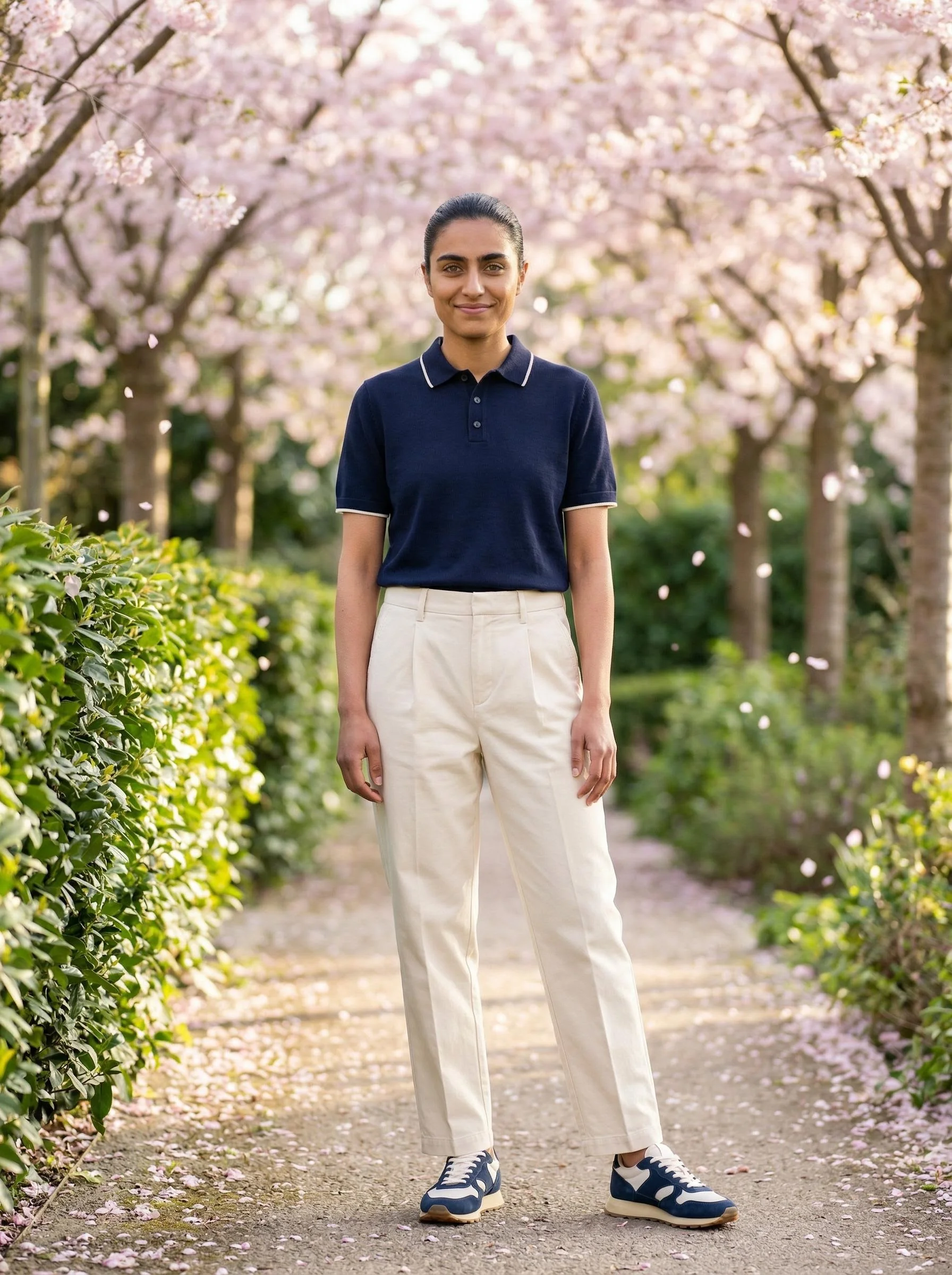
| Spring | Garden, daylight, pastel environment | Soft, natural, warm | Light, open, relaxed | Soft pastels, sage, lavender |
| Summer | Beach, outdoor, bright environment | High-key, bright, warm | Dynamic, movement, joy | Vibrant, coral, turquoise |
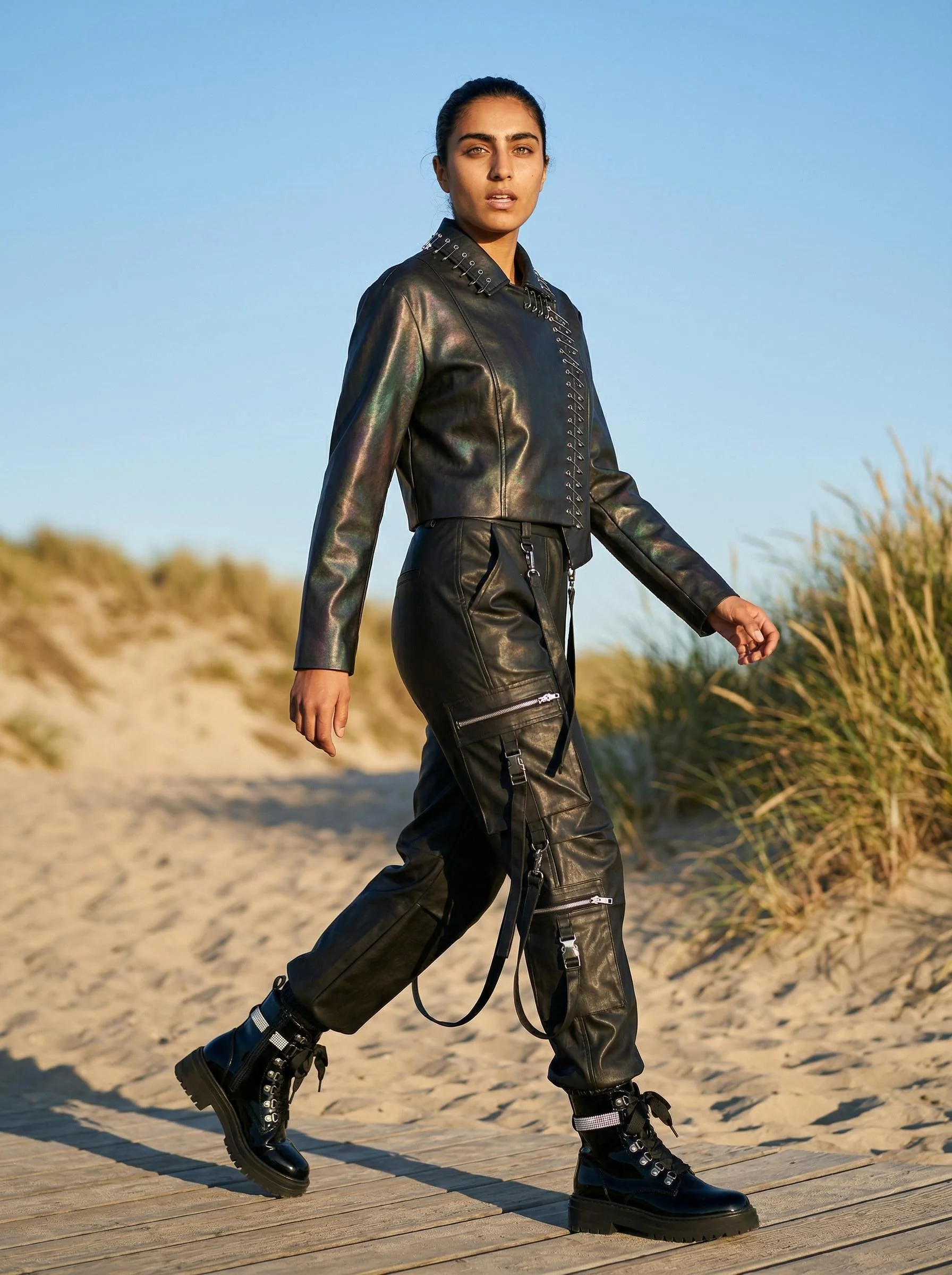
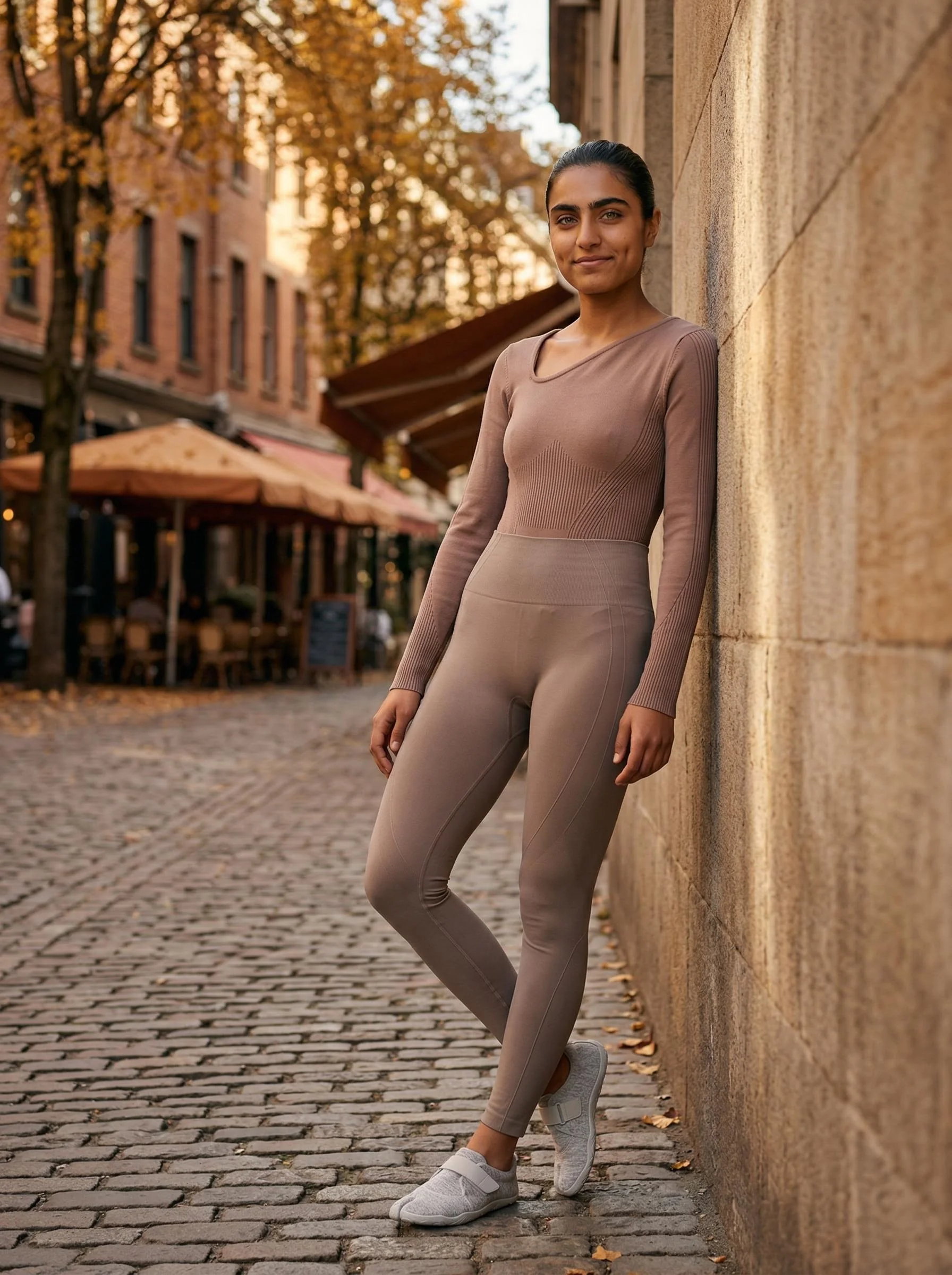
| Autumn | Urban, studio, warm-toned | Golden hour, warm, directional | Structured, confident | Earth tones, burgundy, camel |
| Winter | Indoor, moody, intimate | Low-key, dramatic, cool-warm contrast | Composed, editorial | Deep navy, forest, cream |
Seasonal Photography Calendar Template
Use this planning template to coordinate your seasonal image refreshes:
Q1 (January–March): Spring/Summer Preview
| Week | Action | Type | Volume |
|---|---|---|---|
| 1–2 | Generate PDP images for new Spring arrivals | Foundation | 100–200 SKUs |
| 3 | Generate Spring lifestyle images (garden/outdoor backgrounds) | Seasonal | 50 hero products |
| 4 | A/B test seasonal vs evergreen imagery on top products | Optimization | 10–20 products |
Q2 (April–June): Summer Campaign
| Week | Action | Type | Volume |
|---|---|---|---|
| 1–2 | Generate PDP images for Summer collection | Foundation | 100–200 SKUs |
| 3 | Generate Summer campaign imagery (bright, outdoor) | Seasonal | 50 hero products |
| 4 | Refresh social media content with summer aesthetics | Campaign | 20–30 assets |
Q3 (July–September): Autumn/Winter Preview
| Week | Action | Type | Volume |
|---|---|---|---|
| 1–2 | Generate PDP images for Autumn inventory | Foundation | 100–200 SKUs |
| 3 | Generate Autumn lifestyle images (warm tones, urban) | Seasonal | 50 hero products |
| 4 | Update homepage and collection page hero images | Campaign | 5–10 banners |
Q4 (October–December): Holiday Season
| Week | Action | Type | Volume |
|---|---|---|---|
| 1–2 | Generate holiday campaign imagery (cozy, intimate) | Seasonal | 100 hero products |
| 3 | Create gift guide imagery with multi-product compositions | Campaign | 30–50 compositions |
| 4 | Final quality pass and publish | Launch | All seasonal assets |
Tips for Planning Your AI-Powered Seasonal Refresh
1. Build a Preset Library by Season
Create and save presets for each seasonal aesthetic in On-Model. When the season arrives, apply the preset to your entire catalog in a batch process. No need to configure individual images.
2. Choose 2–3 Identities Maximum
Too many different AI identities fracture your brand visual language. Select:
- Primary identity — appears on 80% of your products
- Secondary identity — different gender or demographic for variety
- Seasonal guest — optional, for specific campaign narratives
3. Plan Backward from Launch Dates
Work backward from your seasonal launch date:
- Week -4: Generate all PDP images for new products
- Week -3: Generate seasonal lifestyle variations
- Week -2: Quality review and approvals
- Week -1: Upload to Shopify/marketplace and schedule go-live
- Launch day: Everything is published and consistent
4. Reuse Flat-Lay Inputs Across Seasons
Your flat-lay garment photos are season-agnostic. The same polo shirt flat-lay generates a spring lifestyle image and a winter indoor image simply by changing the preset — no re-photography needed.
5. Measure and Iterate
Track conversion rates for seasonal imagery vs evergreen PDP images. Many brands find that seasonal lifestyle images perform 15–25% better on collection pages and social channels but that clean PDP images still win on product detail pages. Let the data guide your seasonal investment.
What’s Next
Start planning your next seasonal refresh with On-Model’s preset system. Upload a batch of your current products, generate variations with different seasonal presets, and see how quickly you can build a complete campaign’s worth of imagery.
Get started at app.on-model.com with 50 free credits.
For related guides: From Flat-Lay to Lookbook Without a Studio, How AI Reduces Photography Costs, and Ghost Mannequin vs On-Model AI.
Sources
- Vogue Business, “Fashion Photography Trends 2026,” February 2026.
- WGSN, “Seasonal Color Forecast 2026-2027,” accessed March 2026.
- Shopify, “Seasonal Commerce Guide: Planning Your Product Refresh,” January 2026.