
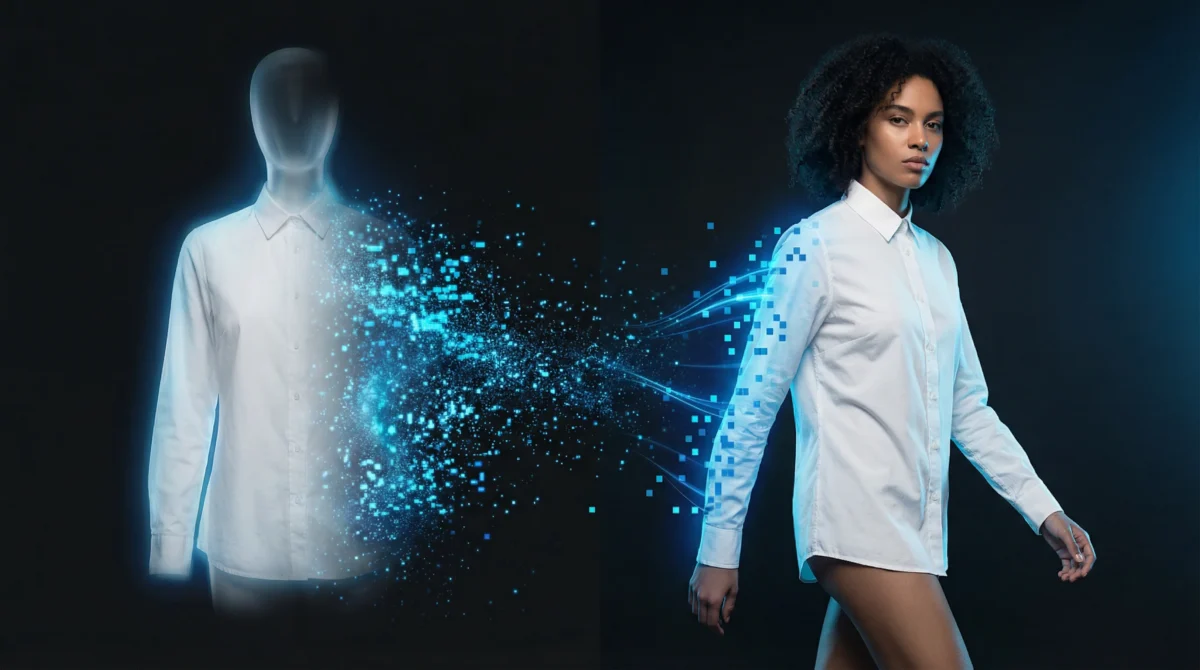
Ghost mannequin photography has been the backbone of fashion e-commerce product imagery for over a decade. The technique, photographing garments on an invisible mannequin to show shape and fit, became standard because it was cheaper than hiring models and better than flat-lay for showing how clothing looks in three dimensions.
But in 2026, a growing number of fashion brands are abandoning ghost mannequin workflows entirely. The reason: AI-generated on-model imagery now delivers better conversion rates at lower cost, with no physical logistics involved.
The Ghost Mannequin Era: Why It Worked
Ghost mannequin photography solved a real problem. Before it existed, e-commerce brands had two options: expensive on-model shoots or flat-lay images that didn’t show how garments look on a human body.
The ghost mannequin technique offered a middle ground:
- Shows garment shape: the mannequin creates a 3D form
- Consistent sizing: every garment appears on the same body
- Scalable: one studio can photograph dozens of garments per day
- Lower cost: no model fees, no booking complexity
For the 2010s, this was the right trade-off. But consumer expectations have evolved.
Five Limitations of Ghost Mannequin Photography
1. No Human Connection
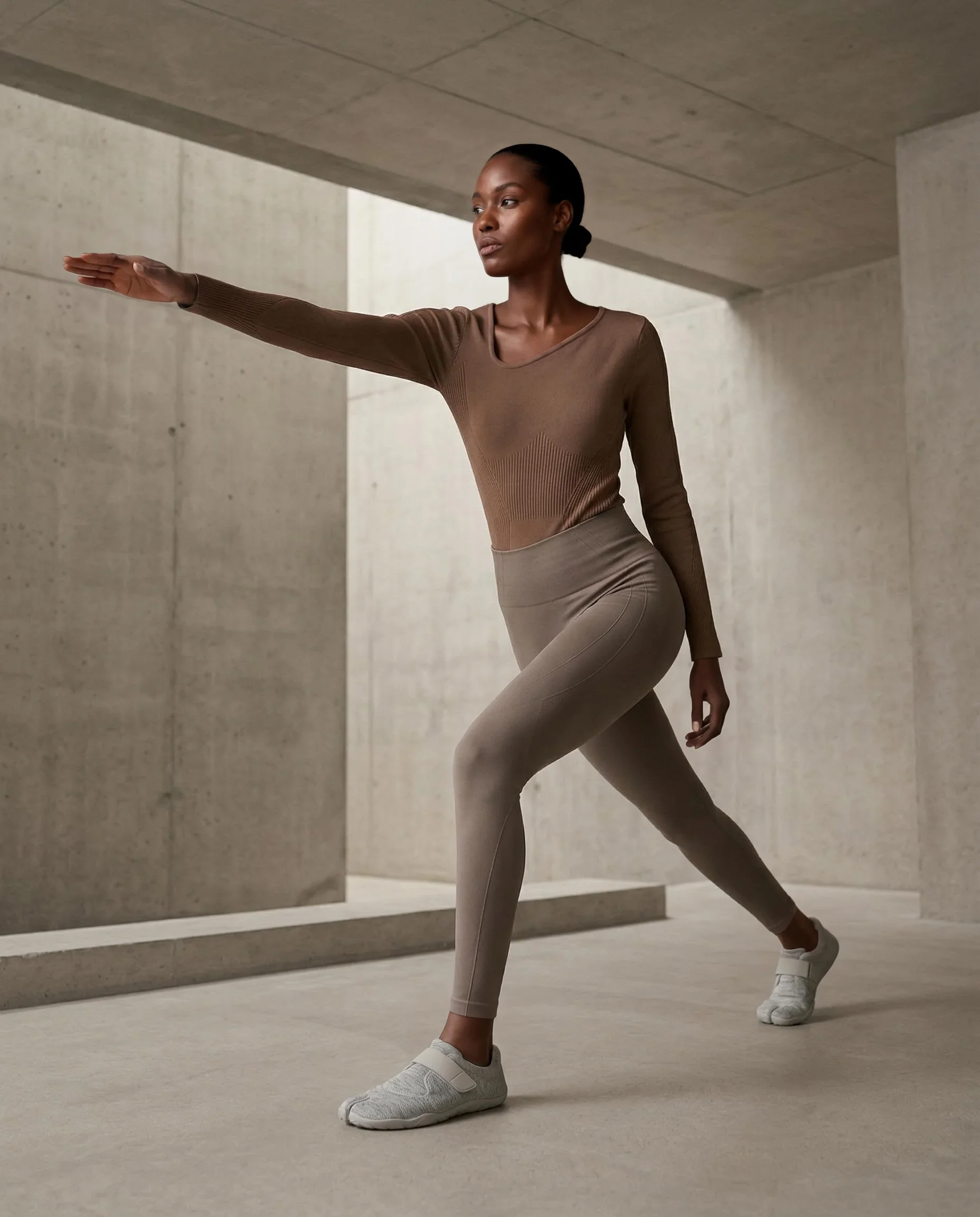
Shoppers want to see clothing on a person. Ghost mannequin photos feel clinical and detached; there’s no body language, no personality, no aspirational lifestyle. According to Shopify’s 2025 research, product pages with on-model imagery see 20–30% higher conversion rates than those with mannequin shots.
2. Expensive Post-Production
The “invisible” mannequin isn’t actually invisible. It takes skilled retouching to remove the mannequin from the image and blend the neck, sleeve, and waistline openings. This post-processing costs $5–$15 per image and requires experienced photo editors.
3. No Fit Visualization
Ghost mannequins show garment shape but not fit. Shoppers can’t see how the fabric drapes, how the shoulders fall, or how the waist cinches on an actual body. This drives higher return rates, fashion e-commerce already suffers from 25–40% return rates, and poor fit expectation is the leading cause.
4. No Diversity
A ghost mannequin is one body shape, permanently. You can’t show the same garment on different body types, ethnicities, or demographics. In 2026, consumers expect to see products on people who look like them — and brands that deliver inclusive imagery are rewarded with loyalty and broader market appeal.
5. Still Requires Physical Logistics
Ghost mannequin photography still needs a studio, a photographer, lighting equipment, and the garments physically present. For brands with inventory in warehouses across multiple countries, the logistics of getting every product to a photo studio adds weeks to the catalog timeline.
The Data: On-Model Images vs Ghost Mannequin
| Metric | Ghost Mannequin | On-Model AI | Source |
|---|---|---|---|
| Conversion rate | Baseline | +20–30% | Shopify Commerce Report 2025 |
| Return rate reduction | — | -15–20% | McKinsey Fashion Technology 2026 |
| Time to publish | 2–5 days after shoot | Under 2 minutes | On-Model platform data |
| Cost per image (post-processing) | $5–$15 | $0.07–$0.29 | Industry benchmarks |
| Model diversity | 1 body shape | 40+ identities | On-Model identity catalog |
| Scalability (images/day) | 50–100 | Unlimited | Platform capability |
The performance gap is widening. As AI model generation quality improves, the marginal benefit of ghost mannequin photography shrinks toward zero for standard e-commerce product detail pages.
How AI Flat-to-Model Generation Works
The transformation is straightforward:
- Input: Your existing garment image — flat-lay, ghost mannequin, or hanger shot
- Identity: Select an AI model identity (40+ options across demographics)
- Generation: The AI generates a photorealistic image of the identity wearing the garment
- Output: A production-ready on-model product image
On-Model supports five input types including ghost mannequin shots — so you can use your existing mannequin photography as AI input rather than reshooting everything from scratch.
Real Transformation: Ghost Mannequin Input → On-Model Output
Using existing production images from On-Model’s asset library, here’s what the transformation looks like in practice. The flat-lay garments (polo shirt, trousers, loafers) are processed through the flat-to-model pipeline to produce a realistic on-model result.
Key observations:
- Garment accuracy: The AI preserves fabric texture, color, stitching details, and brand elements exactly
- Realistic draping: Fabric behaves naturally — it wrinkles, folds, and flows as it would on a real person
- Consistent identity: The same AI model can be used across your entire catalog for a unified visual language
- No retouching needed: The output is production-ready, unlike ghost mannequin photos that always require post-processing
Cost Comparison: Ghost Mannequin vs AI Generation
For a 200-SKU seasonal catalog:
| Cost Item | Ghost Mannequin | AI Generation |
|---|---|---|
| Photography (studio + photographer) | $4,000–$8,000 | $0 |
| Mannequin(s) | $200–$500 (amortized) | $0 |
| Post-production retouching | $1,000–$3,000 | $0 (included) |
| Studio logistics & handling | $500–$1,000 | $0 |
| Total | $5,700–$12,500 | $14–$58 |
| Cost per image | $28.50–$62.50 | $0.07–$0.29 |
| Production time | 1–3 weeks | Under 1 hour |
Even at the low end, ghost mannequin photography for a seasonal catalog costs 100x more than AI generation. And the cost gap only increases with catalog size — ghost mannequin post-production costs scale linearly, while AI generation costs decrease with volume pricing.
Making the Switch: Step-by-Step Migration Path
Phase 1: Test (Week 1)
- Sign up for On-Model’s free tier (50 credits)
- Upload 10–20 of your existing ghost mannequin or flat-lay images
- Generate on-model versions and compare quality
- A/B test on your most popular products
Phase 2: Migrate New Products (Weeks 2–4)
- Use AI generation for all new product additions
- Continue using existing ghost mannequin images for current products
- Select 1–2 AI identities as your “brand models”
Phase 3: Full Migration (Month 2–3)
- Re-generate on-model imagery for your entire active catalog
- Use your existing ghost mannequin photos as AI input
- Upgrade to Professional or Enterprise plan for volume pricing
Phase 4: Optimize (Ongoing)
- Generate multiple variations per product (front, angle, lifestyle)
- Use preset system for consistent photography styles
- Explore model swap for seasonal identity refreshes
What’s Next
Your ghost mannequin images don’t have to go to waste — they’re already valid input for AI generation. Start by converting a batch of your best-selling products and measuring the conversion impact.
Get started at app.on-model.com with 50 free credits.
Sources
- Shopify, “The Future of Commerce 2025 Report — Product Imagery Chapter,” accessed March 2026.
- McKinsey & Company, “The State of Fashion Technology 2026 — AI in Visual Merchandising,” March 2026.
- Baymard Institute, “E-Commerce Product Image Research 2025,” accessed March 2026.