• Industries
    • Fashion
    • Marketing
    • Graphic Designers
    • Educational Institutions
    • Privacy Protection
  • API
  • Pricing
  • Industries
    • Fashion
    • Marketing
    • Graphic Designers
    • Educational Institutions
    • Privacy Protection
  • API
  • Pricing
piktid logo
  • About
    • Contact Us
    • Blog
    • News
  • en_USEN
    • fr_FRFR
    • de_DEDE
    • it_ITIT
    • es_ESES
  • About
    • Contact Us
    • Blog
    • News
  • en_USEN
    • fr_FRFR
    • de_DEDE
    • it_ITIT
    • es_ESES
  • Industries
    • Fashion
    • Marketing
    • Graphic Designers
    • Educational Institutions
    • Privacy Protection
  • API
  • News
  • Pricing
  • Contact Us
  • Blog
  • en_USEN
    • fr_FRFR
    • de_DEDE
    • it_ITIT
    • es_ESES
  • Industries
    • Fashion
    • Marketing
    • Graphic Designers
    • Educational Institutions
    • Privacy Protection
  • API
  • News
  • Pricing
  • Contact Us
  • Blog
  • en_USEN
    • fr_FRFR
    • de_DEDE
    • it_ITIT
    • es_ESES
piktid logo
  • All
  • Super resolution
  • Image enhancement
  • Face editing
  • Change expression
  • Anonymization
  • Fashion
  • All
  • Super resolution
  • Image enhancement
  • Face editing
  • Change expression
  • Anonymization
  • Fashion
Featured banner showcasing PiktID Magic Expand tool transforming a portrait into a high-resolution 3414 x 1920 landscape image. Demonstrates AI background expansion without distortion or cropping.

AI Image Stretcher | Extend Photos in Seconds with Magic Expand

Estimated reading time: 11 minutes 1. Summary of AI based Image Extender An image stretcher
Read more >
AI image creation interface displaying before and after portrait transformation of a man from casual wear to formal attire. Featured banner image highlighting smart fashion photo editing tools by PiktID.

Fashion Photo Editing: How to Edit Fashion Photos Professionally

Estimated reading time: 15 minutes 1. The Shift to Scalable Visuals Fashion Photo Editing is
Read more >
Before-and-after face swap comparison showing an original portrait transformed using AI swap face in photo technology. A similarity slider illustrates controlled facial matching with natural results.

The Best way to Swap Face in Photo Easily

AI-based face swapping has become a mainstream visual tool used across social media, fashion look

Read more >
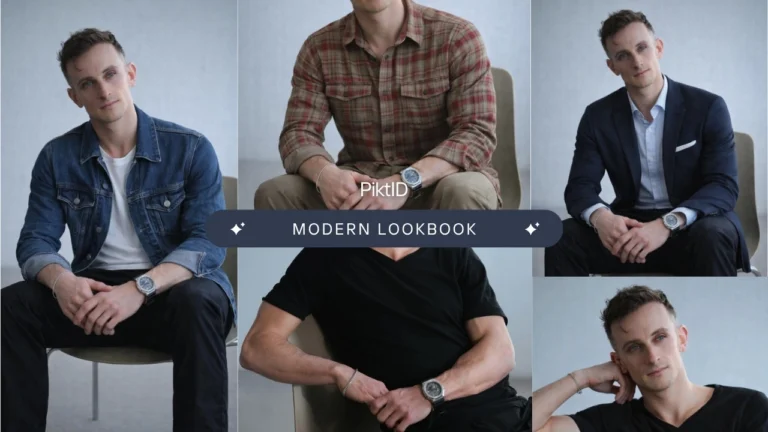
AI body swap lookbook featuring multiple male portraits swapped with PiktID for natural, high-quality results. The layout showcases how the AI tool maintains expression, lighting, and realism during identity swaps.

Best AI Body Swap Tool for Photo-realistic Results

1. Starting with AI Body Swap Estimated reading time: 14 minutes AI Body swap refers

Read more >
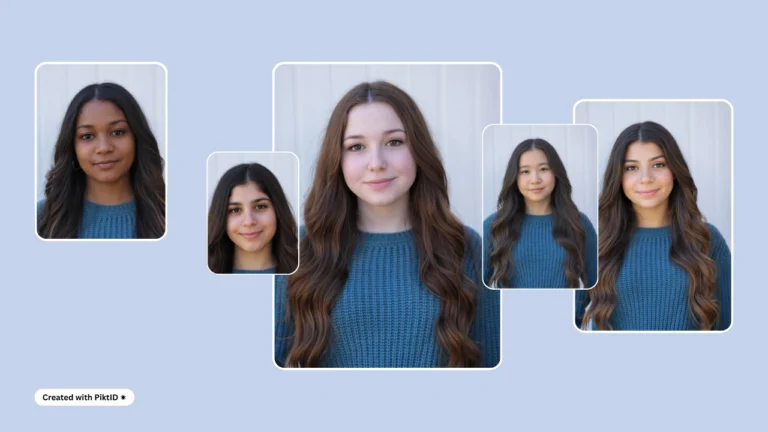
A stylish collage of multiple women showcasing AI body swap results with consistent lighting and natural skin tones. Promotes PiktID’s high-quality and fashionable face swap transformations.

Body Swap AI Maker – Natural Hair, Skin & Lighting

1. Getting started with Body Swap AI Body swap AI represents a major shift in

Read more >
AI face changing example showing a female portrait transformed using advanced face changing technology for realistic results. Demonstrates how PiktID enables seamless identity replacement while preserving lighting and facial structure.

Face Changing Online: How to Edit and Swap Faces with Ease

Face changing refers to using AI to modify a person’s face in photos or videos

Read more >
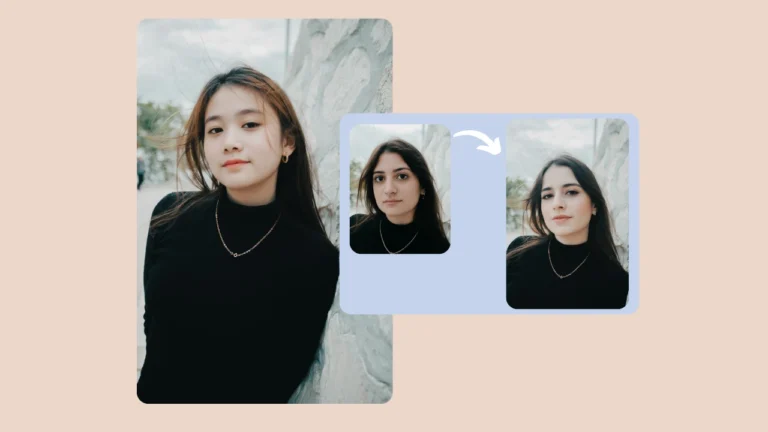
Two women in black outfits leaning against a wall, with one image transitioning into another through an arrow to represent face changing. Created using PiktID to showcase seamless AI-powered identity exchange for photography.

Face Changing AI Tool | A simple way to Swap Photos

Face changing refers to the AI-driven process of replacing or transforming facial identities in images
Read more >
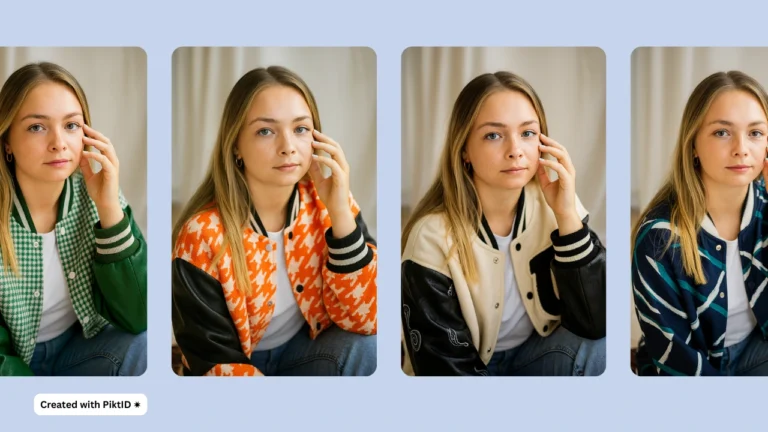
A portrait of a woman in a striped top displayed with four variations of her face, highlighting PiktID’s AI face replacement app. Perfect example of diverse face swaps while maintaining hairstyle and pose.

​​Face Replacement App – The Best and Easiest Swap Tool

A face replacement app uses artificial intelligence to seamlessly swap or edit faces in photos

Read more >
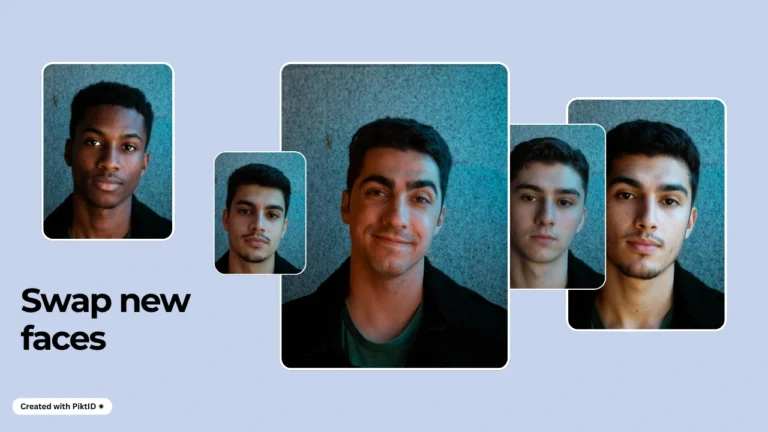
Multiple men’s portraits in brown jackets arranged side by side, showing diverse face swap results achieved through PiktID’s AI identity transformation.

How to Change Face Shape with AI on your photos

Learning how to change face shape in images has become an essential skill for creators,
Read more >
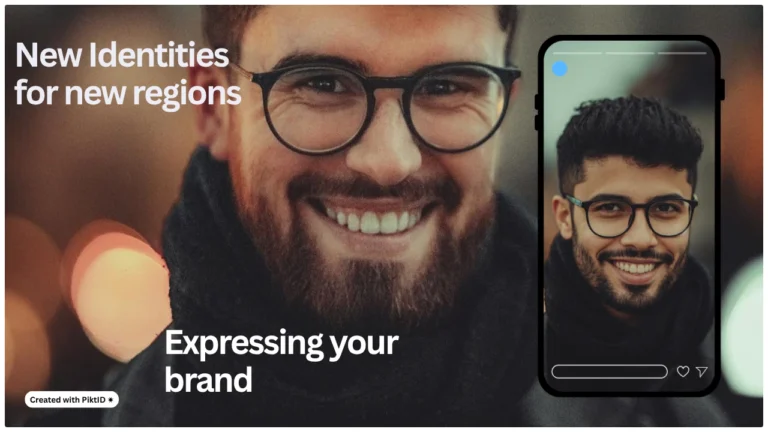
A smiling man with glasses displayed alongside a swapped version of his face on a phone mockup, representing PiktID’s ‘New identities for new regions’ feature for global brand expression using changing faces by PiktID.

Changing Faces: Create a list of new identities in Photos

Changing faces in images has evolved from a novelty into a professional grade work flow
Read more >
Load More
piktid logo
Linkedin Instagram Facebook Discord

Contact Info

  • Lakeside Park B01a, 9020 Klagenfurt, Austria
  • office@piktid.com
  • About us

Legal

  • Imprint
  • Terms of Service
  • Privacy Policy
  • Cookies

©2025 All rights reserved

Made with ❤

Manage Consent
To provide the best experiences, we use technologies like cookies to store and/or access device information. Consenting to these technologies will allow us to process data such as browsing behavior or unique IDs on this site. Not consenting or withdrawing consent, may adversely affect certain features and functions.
Functional Always active
The technical storage or access is strictly necessary for the legitimate purpose of enabling the use of a specific service explicitly requested by the subscriber or user, or for the sole purpose of carrying out the transmission of a communication over an electronic communications network.
Preferences
The technical storage or access is necessary for the legitimate purpose of storing preferences that are not requested by the subscriber or user.
Statistics
The technical storage or access that is used exclusively for statistical purposes. The technical storage or access that is used exclusively for anonymous statistical purposes. Without a subpoena, voluntary compliance on the part of your Internet Service Provider, or additional records from a third party, information stored or retrieved for this purpose alone cannot usually be used to identify you.
Marketing
The technical storage or access is required to create user profiles to send advertising, or to track the user on a website or across several websites for similar marketing purposes.
  • Manage options
  • Manage services
  • Manage {vendor_count} vendors
  • Read more about these purposes
View preferences
  • {title}
  • {title}
  • {title}
Manage Consent
To provide the best experiences, we use technologies like cookies to store and/or access device information. Consenting to these technologies will allow us to process data such as browsing behavior or unique IDs on this site. Not consenting or withdrawing consent, may adversely affect certain features and functions.
Functional Always active
The technical storage or access is strictly necessary for the legitimate purpose of enabling the use of a specific service explicitly requested by the subscriber or user, or for the sole purpose of carrying out the transmission of a communication over an electronic communications network.
Preferences
The technical storage or access is necessary for the legitimate purpose of storing preferences that are not requested by the subscriber or user.
Statistics
The technical storage or access that is used exclusively for statistical purposes. The technical storage or access that is used exclusively for anonymous statistical purposes. Without a subpoena, voluntary compliance on the part of your Internet Service Provider, or additional records from a third party, information stored or retrieved for this purpose alone cannot usually be used to identify you.
Marketing
The technical storage or access is required to create user profiles to send advertising, or to track the user on a website or across several websites for similar marketing purposes.
  • Manage options
  • Manage services
  • Manage {vendor_count} vendors
  • Read more about these purposes
View preferences
  • {title}
  • {title}
  • {title}