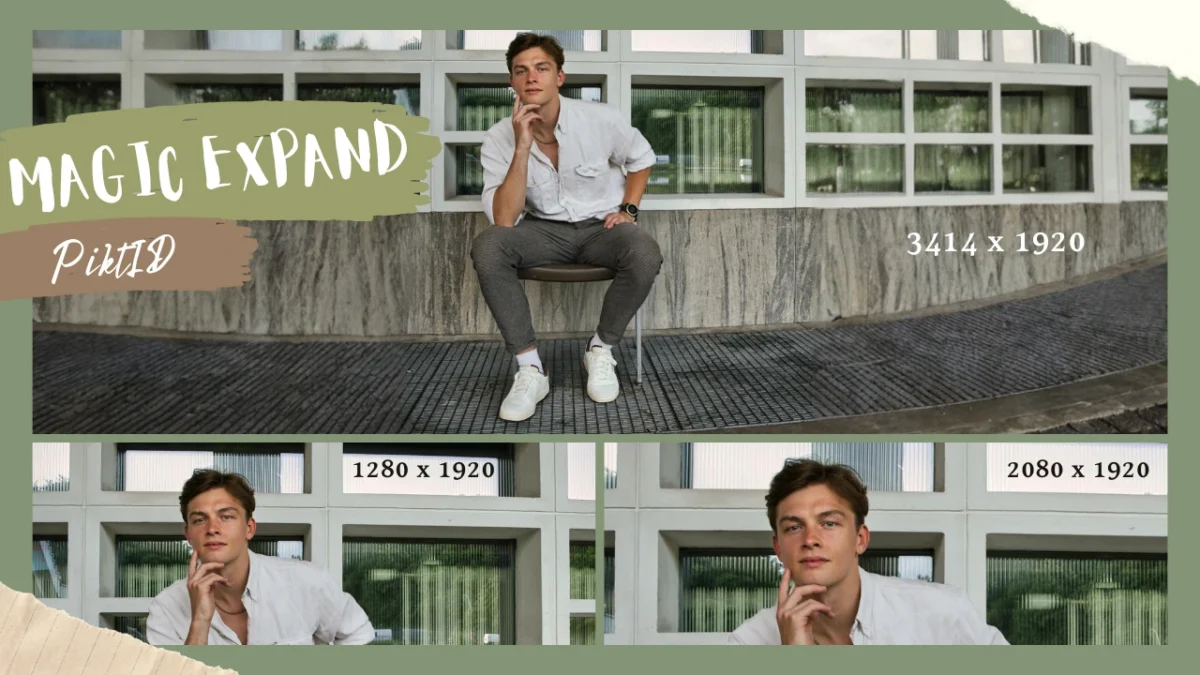
Estimated reading time: 11 minutes 1. Summary of AI based Image Extender An image stretcher is used to extend the boundaries of a photo so it fits new formats without altering its original subject or composition. Creators rely on it when an image is cropped too tightly, when important background details are missing, or when a portrait needs to be converted into a wider layout for platforms such as websites, ads, social posts, and print materials. These limitations often prevent … Continue reading “AI Image Stretcher | Extend Photos in Seconds with Magic Expand”
Fashion Photo Editing: How to Edit Fashion Photos Professionally
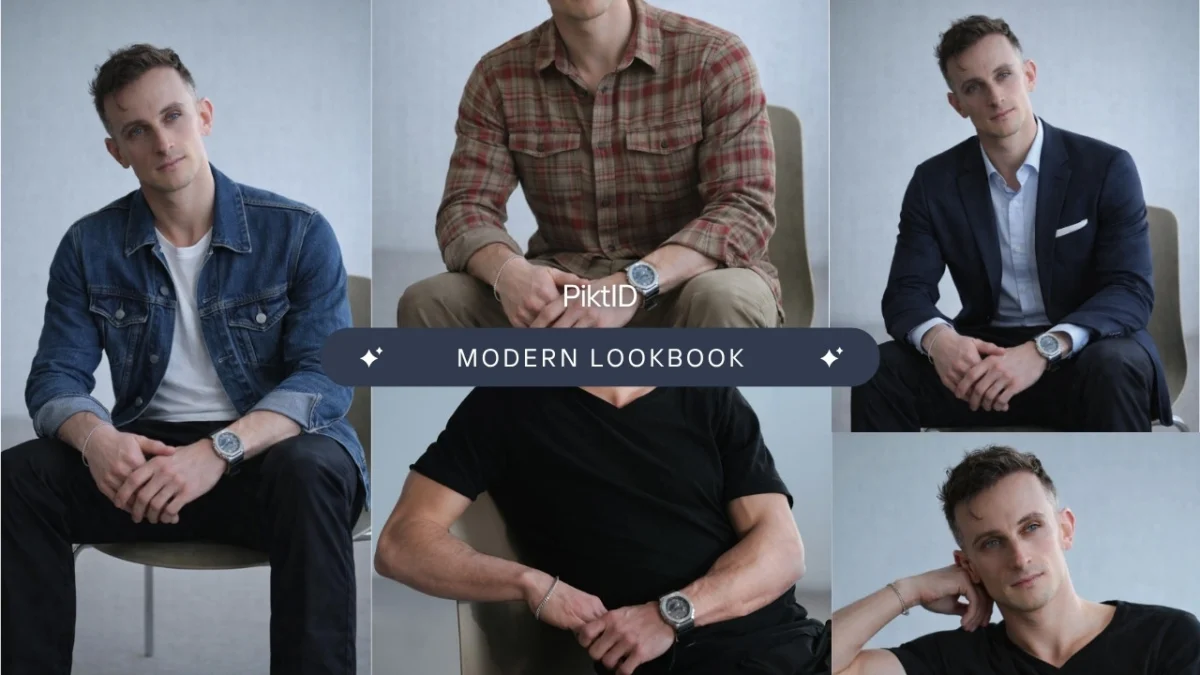
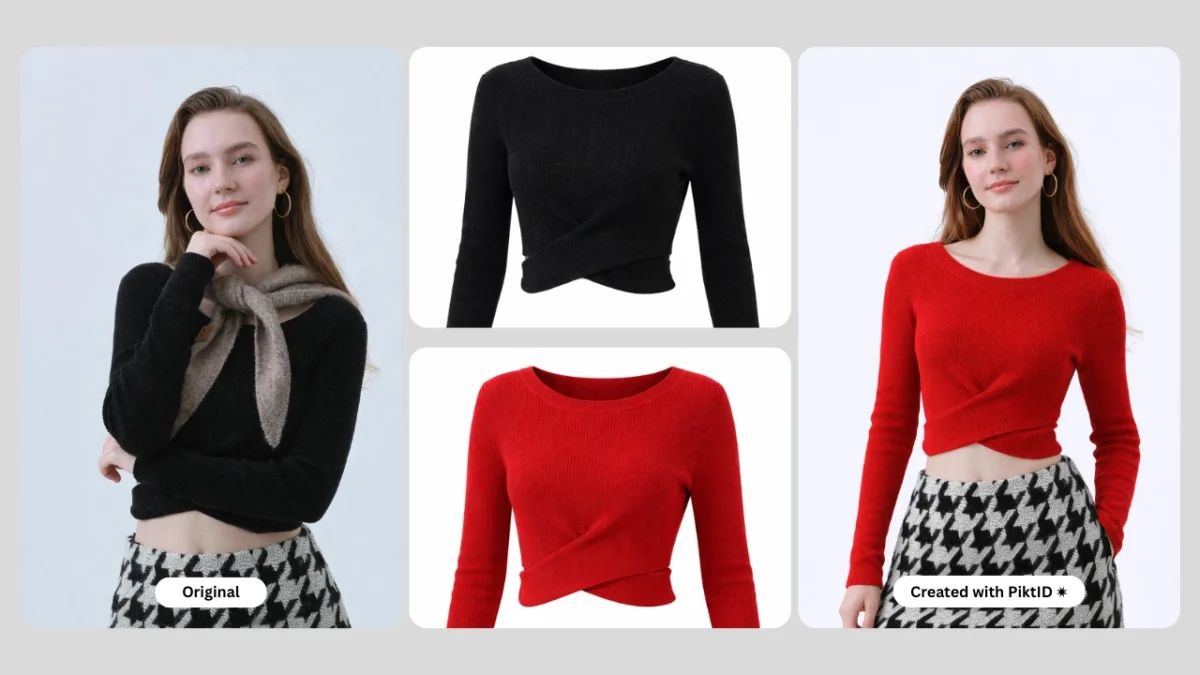
Estimated reading time: 15 minutes 1. The Shift to Scalable Visuals Fashion Photo Editing is no longer a post-production afterthought; it is the engine of modern retail scaling. In a digital-first marketplace, high-fidelity imagery is the primary driver of consumer trust and conversion. While traditional retouching focused on manual blemish removal, 2026’s industry standards demand visual consistency at scale. Inconsistent lighting or “hallucinated” garment details in low-quality edits lead to high return rates and brand erosion. This is where professional … Continue reading “Fashion Photo Editing: How to Edit Fashion Photos Professionally”
AI Fashion Photography Guide – Create High-End Fashion Images with AI
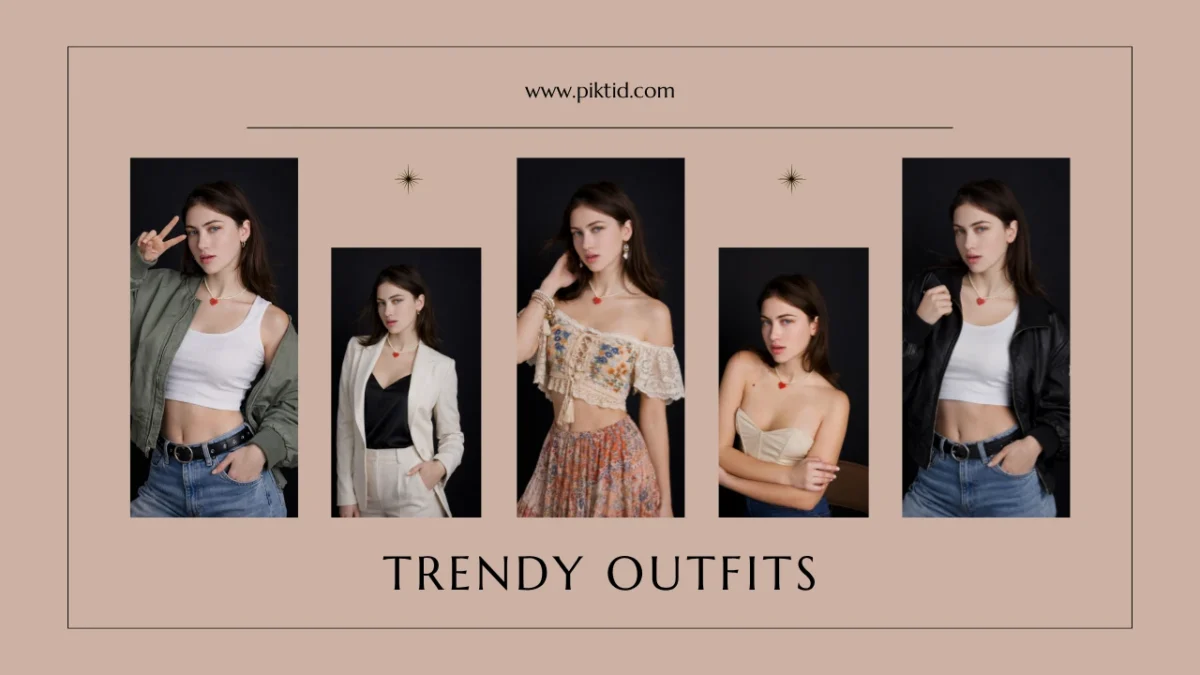
1. Fashion Photography AI fashion photography is redefining how modern fashion brands create, scale, and manage visual content. Instead of relying entirely on expensive studio shoots and professional models, brands can now produce studio-quality fashion images using AI with far greater speed and cost efficiency. This shift is especially impactful for digital-first brands that need consistent visuals across product detail pages, lookbooks, and marketing campaigns. At the core of this transformation is automation. Platforms like PiktID streamline traditionally manual tasks … Continue reading “AI Fashion Photography Guide – Create High-End Fashion Images with AI”
How to do AI Model Face Swap Online for photos
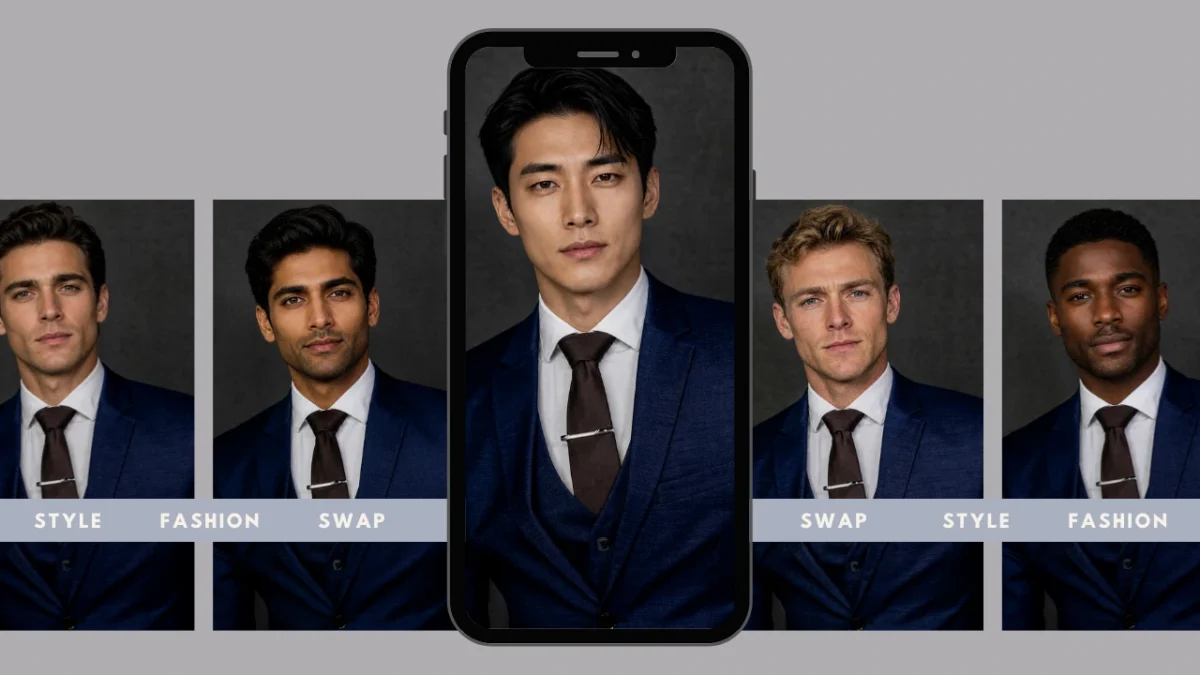
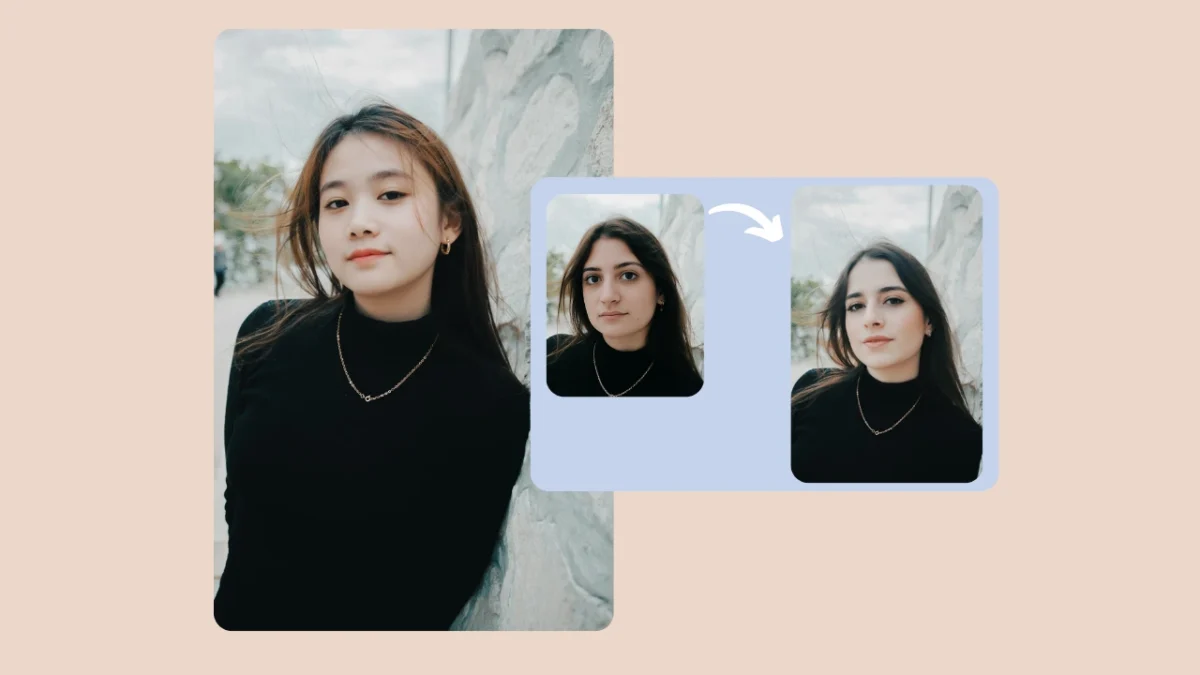
Estimated reading time: 17 minutes AI model face swap technology is reshaping how brands and creators produce professional visual content. Instead of focusing on entertainment or casual edits, this approach is designed for commercial-quality results where realism and consistency matter. PiktID’s Swap module delivers model-grade outputs by handling critical technical details such as: Photorealistic identity blending Accurate hairline and forehead integration Lighting and tone alignment with the base model High-resolution texture preservation Natural expression and pose consistency This makes AI … Continue reading ” How to do AI Model Face Swap Online for photos”
The Best way to Swap Face in Photo Easily
AI-based face swapping has become a mainstream visual tool used across social media, fashion look books, Ecommerce product images, and creative content. Today, creators and brands want to swap face in photo with results that look natural, well lit, and commercially usable. The demand is no longer limited to fun edits; it now supports full scale content production. The Problem With Most Tools Traditional face swap editors often create: Poorly blended skin tones Harsh or mismatched lighting Plastic, blurred textures … Continue reading “The Best way to Swap Face in Photo Easily”
Best AI Body Swap Tool for Photo-realistic Results
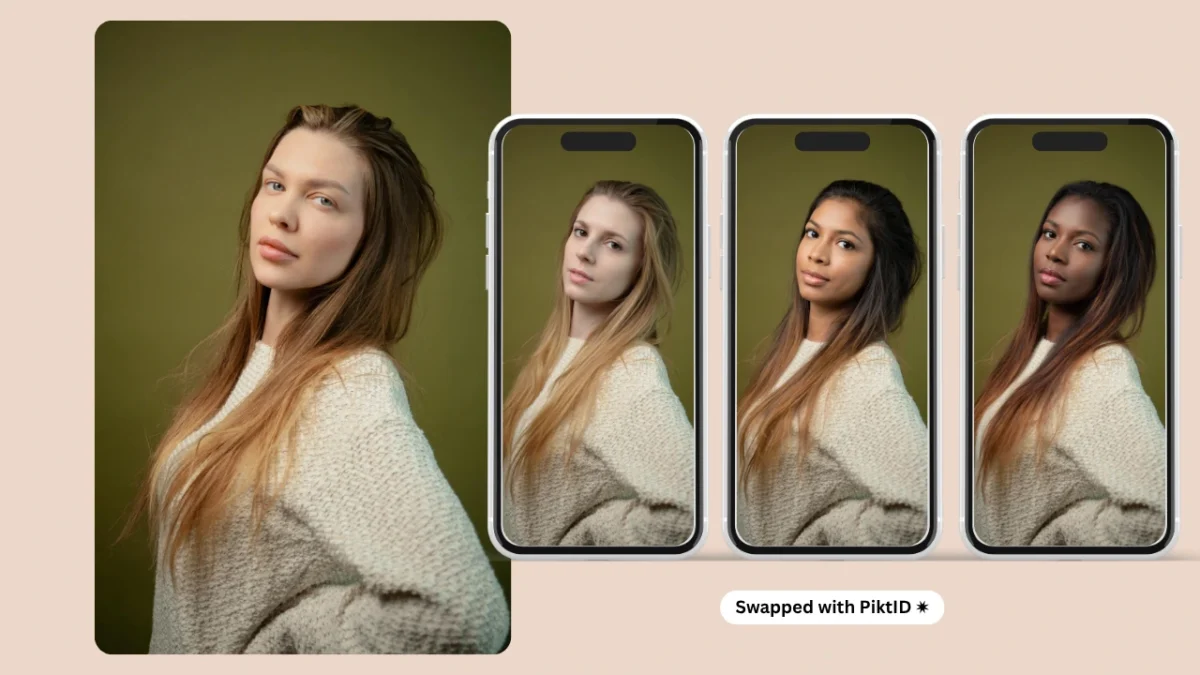
1. Starting with AI Body Swap Estimated reading time: 14 minutes AI Body swap refers to the process of replacing a person’s physical appearance in a photo while preserving their pose, clothing, and overall scene structure. Instead of simply overlaying a face, this technology re-aligns identity, proportions, and visual cues to create a natural, cohesive transformation. While many people see body or face swap tools as filters for entertainment or social media, PiktID’s AI Body swap is built specifically for … Continue reading “Best AI Body Swap Tool for Photo-realistic Results”
Body Swap AI Maker – Natural Hair, Skin & Lighting
1. Getting started with Body Swap AI Body swap AI represents a major shift in how fashion, ECommerce, and product focused brands create visual content. Instead of relying on repeated studio sessions or seasonal model availability, brands can now generate lifelike, studio ready imagery by combining PiktID’s Generate Person and SwapID workflows. This system allows teams to photograph a base model or mannequin once and then apply any identity, style, or demographic profile needed for upcoming campaigns. The core strengths … Continue reading “Body Swap AI Maker – Natural Hair, Skin & Lighting”
Face Changing Online: How to Edit and Swap Faces with Ease
Face changing refers to using AI to modify a person’s face in photos or videos through face swap, expression correction, and identity editing. It allows creators to replace or refine facial features while keeping the original pose, lighting, and background intact. The demand for AI-driven face changing is exploding because: Social media creators need fast, consistent visuals Fashion and e-commerce brands want quick model replacements Marketing teams need more UGC-style images without photo shoots Businesses need scalable content for ads, … Continue reading “Face Changing Online: How to Edit and Swap Faces with Ease”
How to Face Swap on iPhone – The Best Method
If you’ve ever wondered how to face swap on iPhone easily yet professionally, this guide shows you both quick consumer options and production-grade workflows. While everyday users often rely on apps like Reface or FaceApp for fun edits, professionals require higher-quality, privacy-conscious results — that’s where PiktID comes in. This article walks through how to face swap on iPhone using both mobile-first tools and PiktID’s advanced ecosystem, including the Studio, Swap, and Anonymize features for secure and photo realistic editing. … Continue reading “How to Face Swap on iPhone – The Best Method”
Image Face Swap — How to Face Swap photos
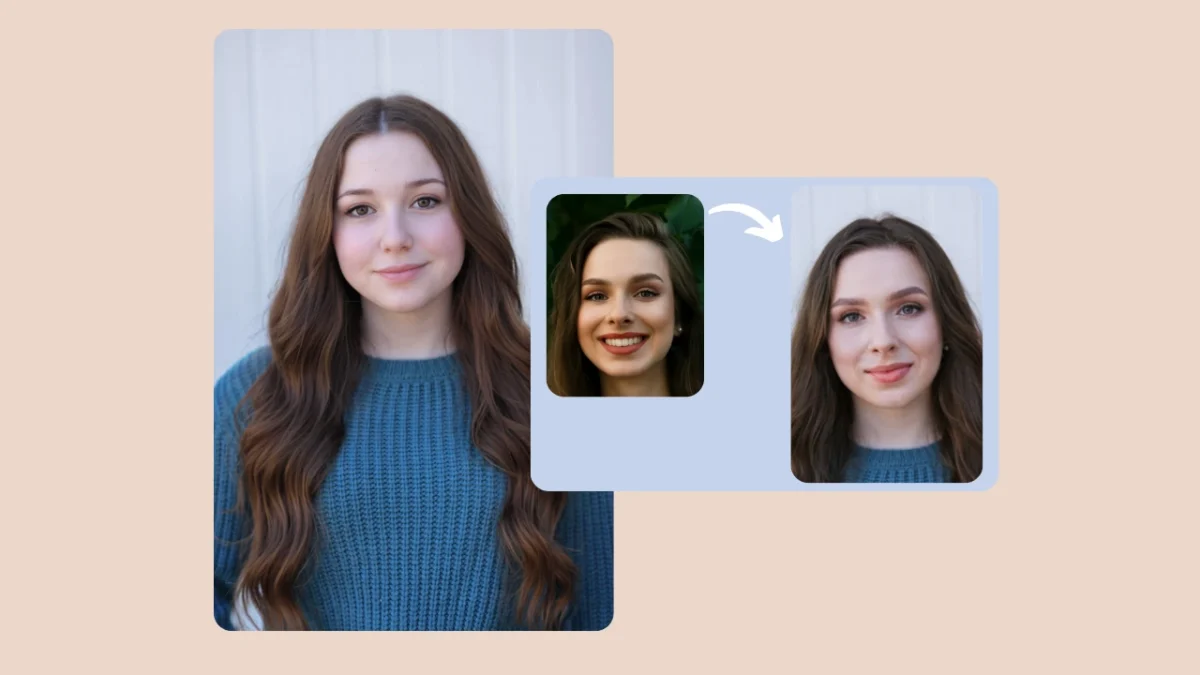
Image face swap is the process of digitally replacing one face with another in a photo while keeping natural elements like lighting, texture, and expression consistent. It’s rapidly transforming how creative teams, e-commerce brands, and editorial designers produce visual content. PiktID’s Swap + Anonymize workflow elevates this capability by delivering studio-quality image face swaps that preserve lighting accuracy, skin realism, and seamless hair blending In this guide, you’ll learn how to perform professional-grade face swaps, integrate PiktID’s tools via API, … Continue reading “Image Face Swap — How to Face Swap photos”