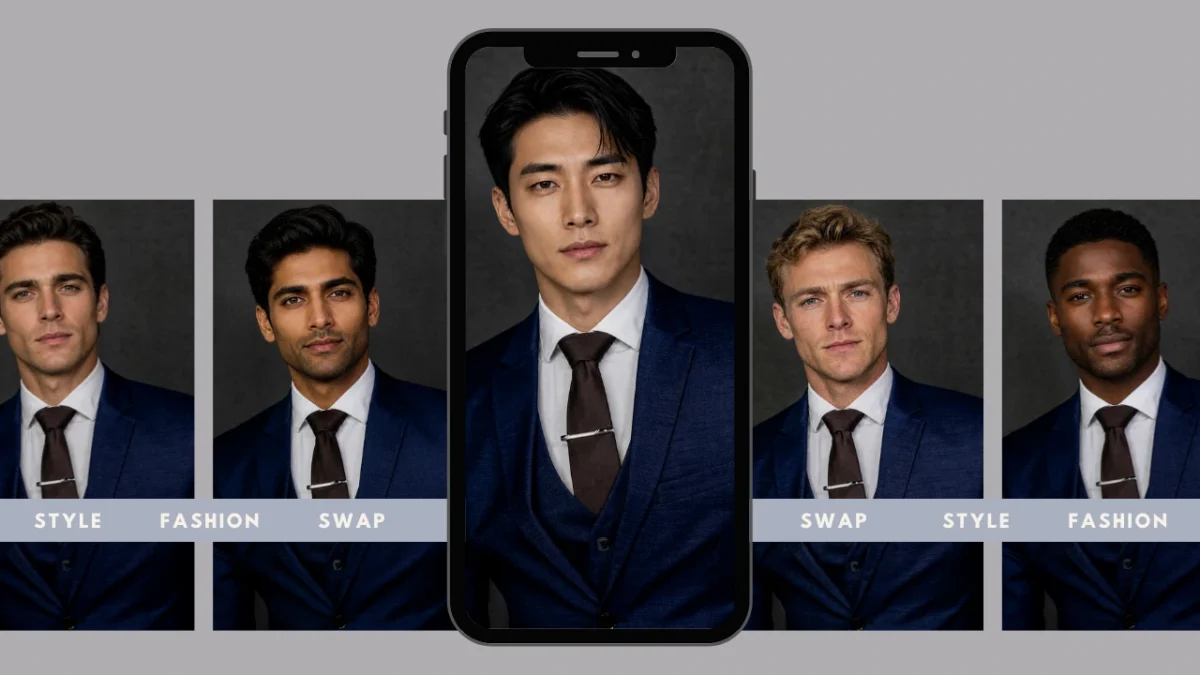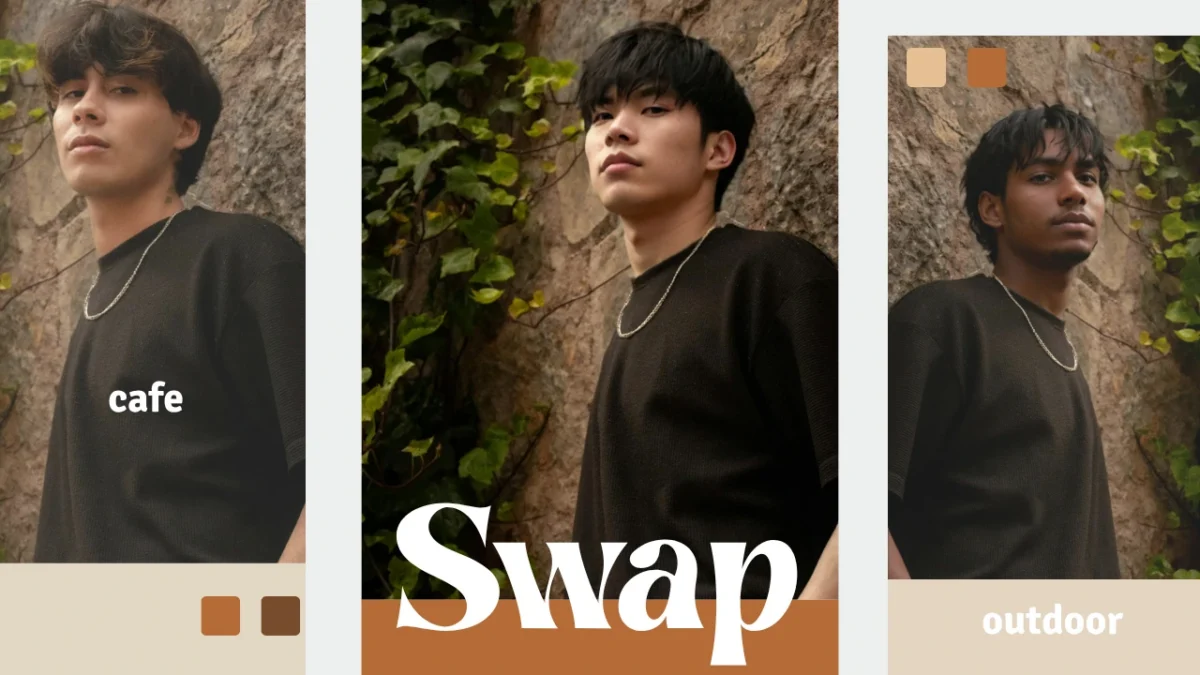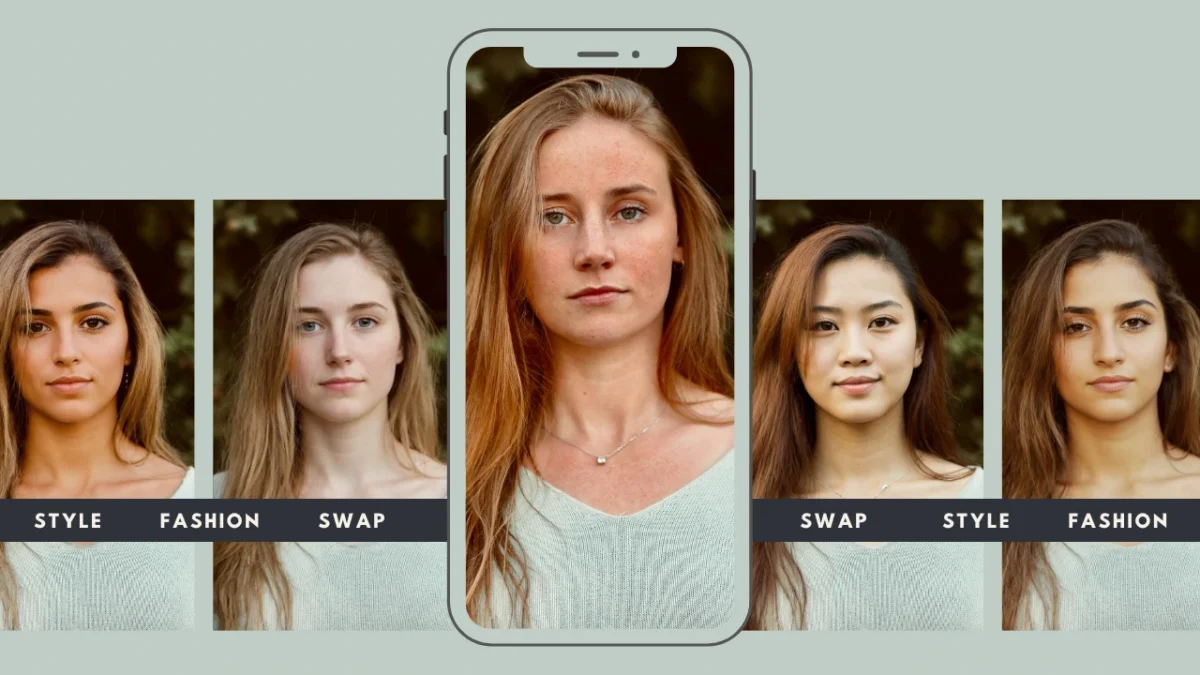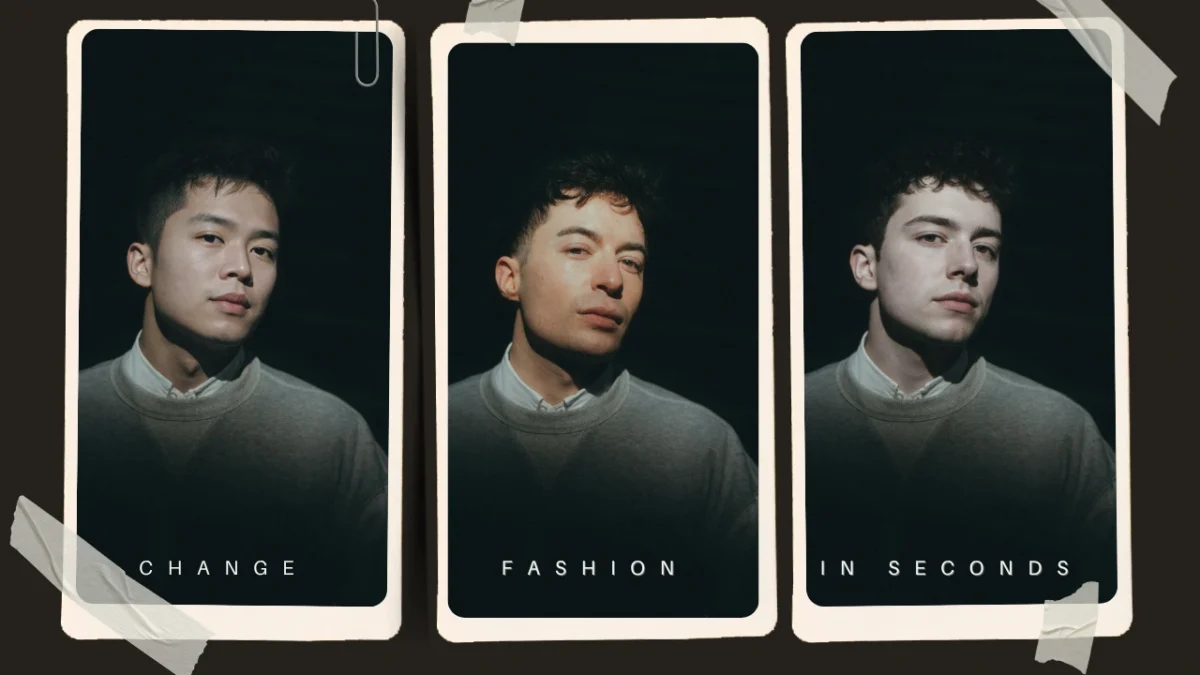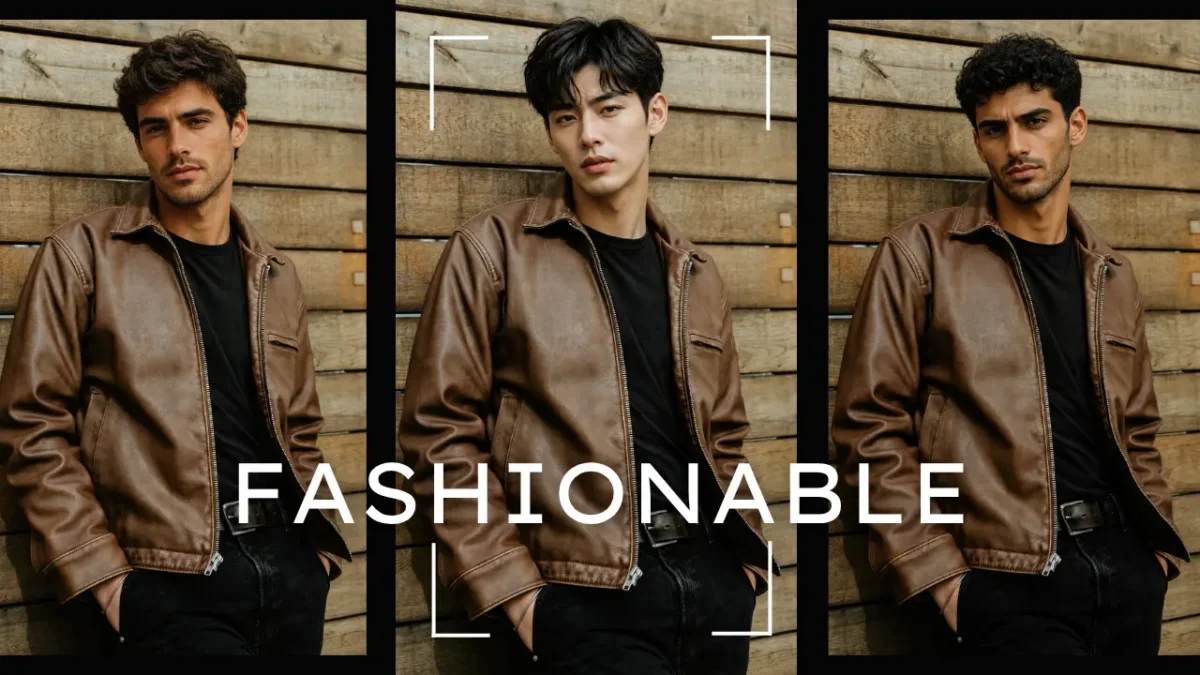
1. Starting with AI Body Swap Estimated reading time: 14 minutes AI Body swap refers to the process of replacing a person’s physical appearance in a photo while preserving their pose, clothing, and overall scene structure. Instead of simply overlaying a face, this technology re-aligns identity, proportions, and visual cues to create a natural, cohesive transformation. While many people see body or face swap tools as filters for entertainment or social media, PiktID’s AI Body swap is built specifically for … Continue reading “Best AI Body Swap Tool for Photo-realistic Results”
Body Swap AI Maker – Natural Hair, Skin & Lighting
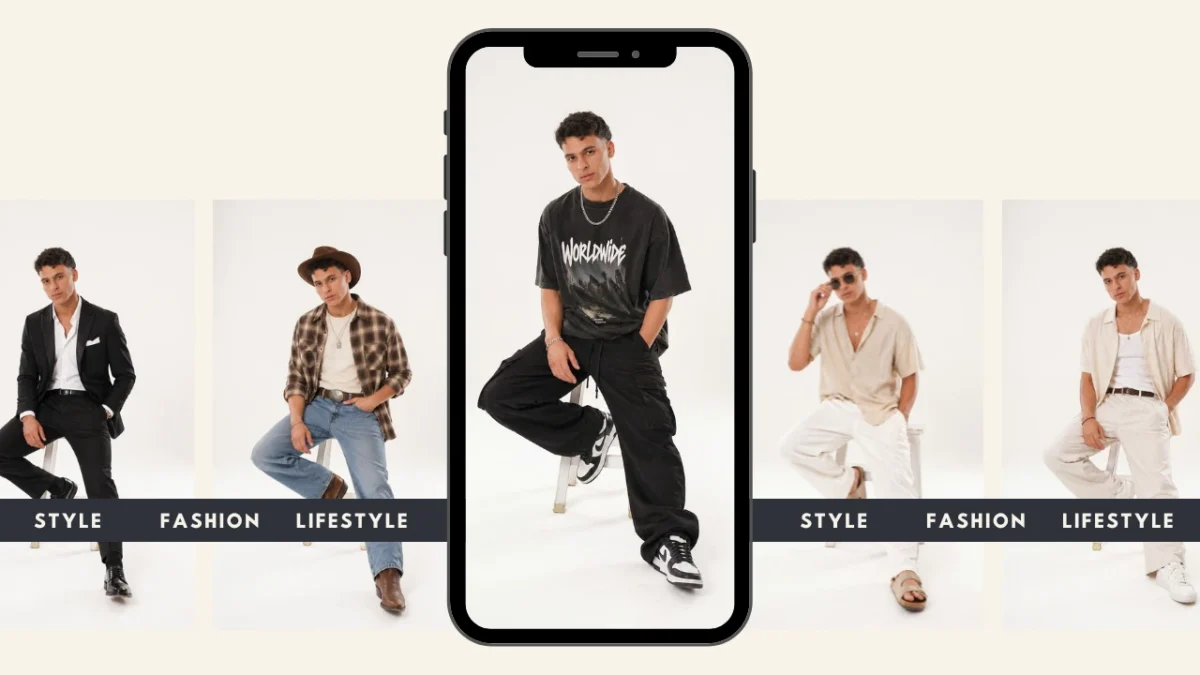
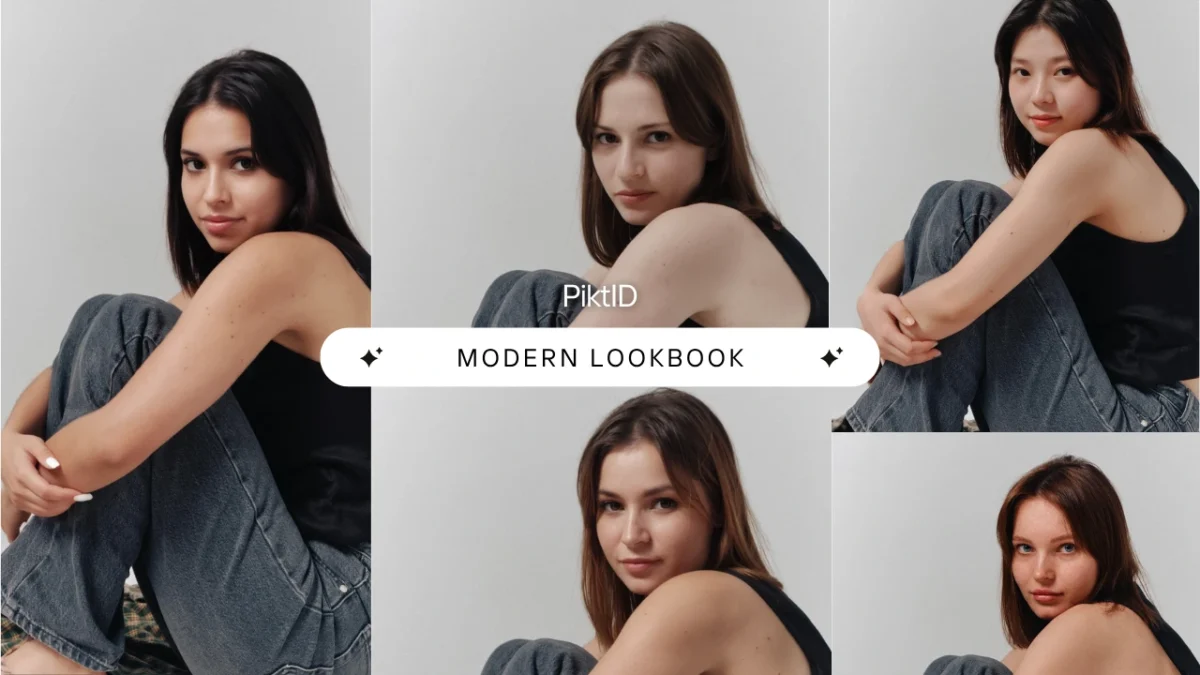
1. Getting started with Body Swap AI Body swap AI represents a major shift in how fashion, ECommerce, and product focused brands create visual content. Instead of relying on repeated studio sessions or seasonal model availability, brands can now generate lifelike, studio ready imagery by combining PiktID’s Generate Person and SwapID workflows. This system allows teams to photograph a base model or mannequin once and then apply any identity, style, or demographic profile needed for upcoming campaigns. The core strengths … Continue reading “Body Swap AI Maker – Natural Hair, Skin & Lighting”
How to Body Swap in Photos Using AI – Fast & Realistic Results
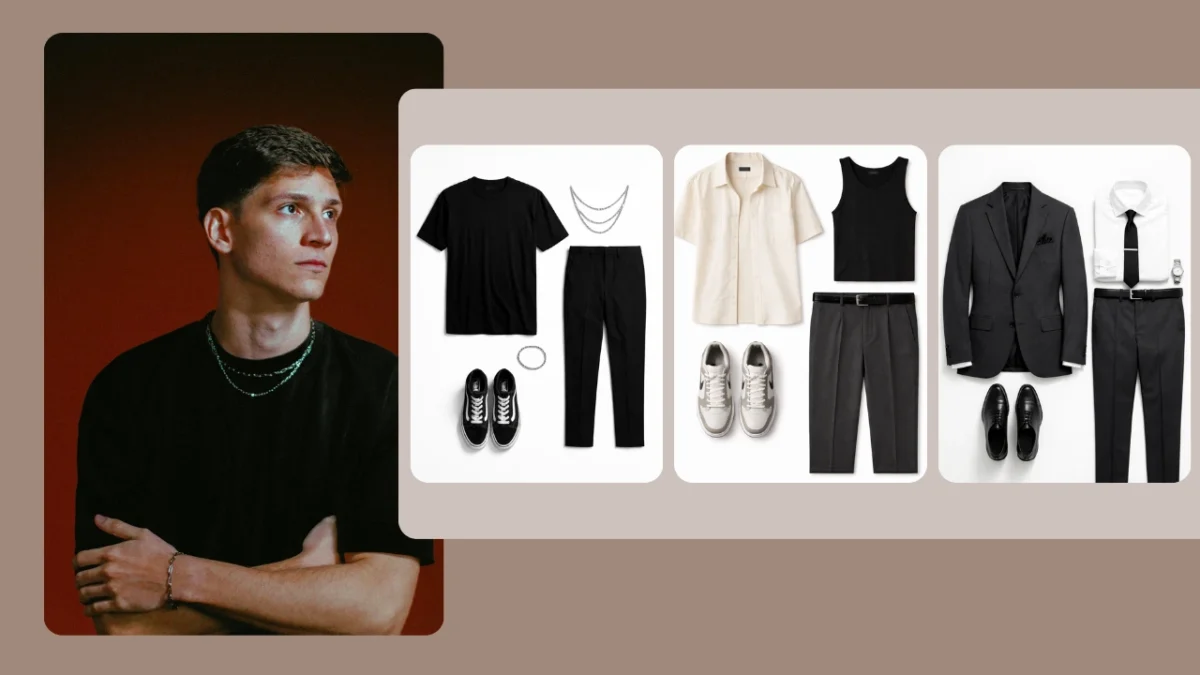
I. Executive Summary Modern fashion brands increasingly require visual consistency, rapid content production, and scalable model imagery across collections. Traditional photo shoots depend heavily on model availability, casting budgets, location preparation, and licensing restrictions, all of which create friction in fast moving Ecommerce environments. Body swap through AI offers an alternative: brands can photograph a single fit model for all outfits and later replace that individual with a brand approved identity that remains consistent across seasons, styles, and product lines. … Continue reading “How to Body Swap in Photos Using AI – Fast & Realistic Results”
How to Put My Face on Another Body in Photos
In modern AI editing, the phrase put my face on another body refers to using AI to replace a person’s face on another figure while keeping lighting, pose, and body structure intact. This used to require advanced Photoshop skills, layer masks, and manual blending. Today, AI tools can perform the same process in seconds with far better realism. PiktID’s Swap feature offers one of the most advanced and natural results in this space. It is built for creators and businesses … Continue reading “How to Put My Face on Another Body in Photos”
Face Changing Online: How to Edit and Swap Faces with Ease
Face changing refers to using AI to modify a person’s face in photos or videos through face swap, expression correction, and identity editing. It allows creators to replace or refine facial features while keeping the original pose, lighting, and background intact. The demand for AI-driven face changing is exploding because: Social media creators need fast, consistent visuals Fashion and e-commerce brands want quick model replacements Marketing teams need more UGC-style images without photo shoots Businesses need scalable content for ads, … Continue reading “Face Changing Online: How to Edit and Swap Faces with Ease”
Swap Faces on Pictures Instantly – The Best App in 2025
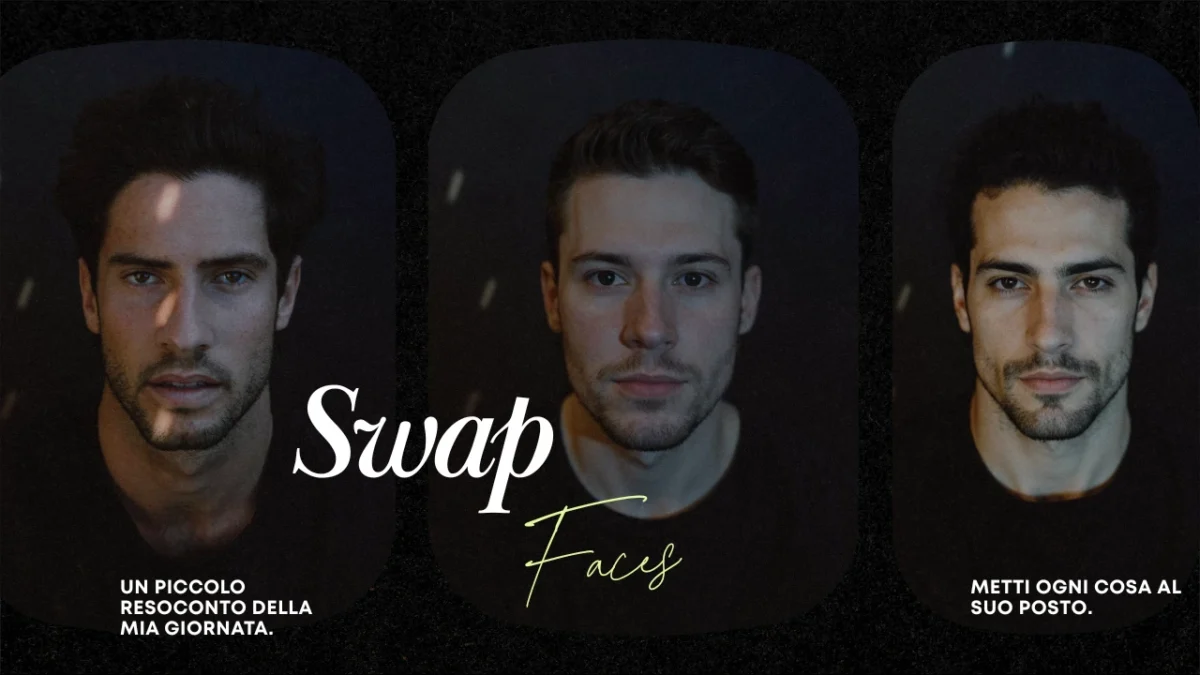
Face swapping has evolved from a novelty feature used in social media filters to a professional-grade technique that powers modern content creation. In 2025, creators, marketers, and brands expect tools that can Swap Faces on Pictures instantly while maintaining a high degree of realism. Today’s workflows demand accuracy in lighting, skin tone, facial angles, and expression matching, making traditional face-swapping apps insufficient for professional use. This shift has created a need for an advanced engine capable of delivering studio-quality results … Continue reading “Swap Faces on Pictures Instantly – The Best App in 2025”
How to Face Swap on iPhone – The Best Method
If you’ve ever wondered how to face swap on iPhone easily yet professionally, this guide shows you both quick consumer options and production-grade workflows. While everyday users often rely on apps like Reface or FaceApp for fun edits, professionals require higher-quality, privacy-conscious results — that’s where PiktID comes in. This article walks through how to face swap on iPhone using both mobile-first tools and PiktID’s advanced ecosystem, including the Studio, Swap, and Anonymize features for secure and photo realistic editing. … Continue reading “How to Face Swap on iPhone – The Best Method”
Image Face Swap — How to Face Swap photos
Image face swap is the process of digitally replacing one face with another in a photo while keeping natural elements like lighting, texture, and expression consistent. It’s rapidly transforming how creative teams, e-commerce brands, and editorial designers produce visual content. PiktID’s Swap + Anonymize workflow elevates this capability by delivering studio-quality image face swaps that preserve lighting accuracy, skin realism, and seamless hair blending In this guide, you’ll learn how to perform professional-grade face swaps, integrate PiktID’s tools via API, … Continue reading “Image Face Swap — How to Face Swap photos”
Face Changing AI Tool | A simple way to Swap Photos
Face changing refers to the AI-driven process of replacing or transforming facial identities in images or videos while preserving realism, lighting, and emotion. As visual content creation scales across social media, Ecommerce, and digital marketing, face changing technology is becoming essential for faster creative production and visual testing. PiktID’s Swap and Anonymize workflows bring a production-grade approach to face changing — combining photo real results, reusable synthetic identities, and API automation for enterprise and creator use. This guide covers practical … Continue reading “Face Changing AI Tool | A simple way to Swap Photos”
How to Swap Faces in Photos using AI – Step-by-Step Guide
If you’ve ever wondered how to swap faces in photos seamlessly without spending hours in Photoshop, PiktID’s AI-powered workflow makes it effortless. Using advanced Swap and Anonymize tools, creators can replace faces in any image while preserving lighting, skin texture, and expression. The process is entirely automated, requiring no manual compositing or blending—ideal for both creative professionals and businesses that need photo realistic results fast. Whether you’re editing a single portrait or processing hundreds of campaign visuals, PiktID supports both … Continue reading “How to Swap Faces in Photos using AI – Step-by-Step Guide”